 notchman
Timers
Pomodoro, countdown,
stopwatch.
A focus timer without a window for a number. Label a block and it’s logged, so a week of them shows what you worked on.
24 tools, one price · macOS 14 or later · 14-day refund
How it works
01
Pick a timer
Pomodoro, countdown or stopwatch.
02
Press Start
It counts in the notch, one hover away.
03
Get a chime
Breaks start on their own.
01 · Pomodoro
25 on, 5 off, on its own.
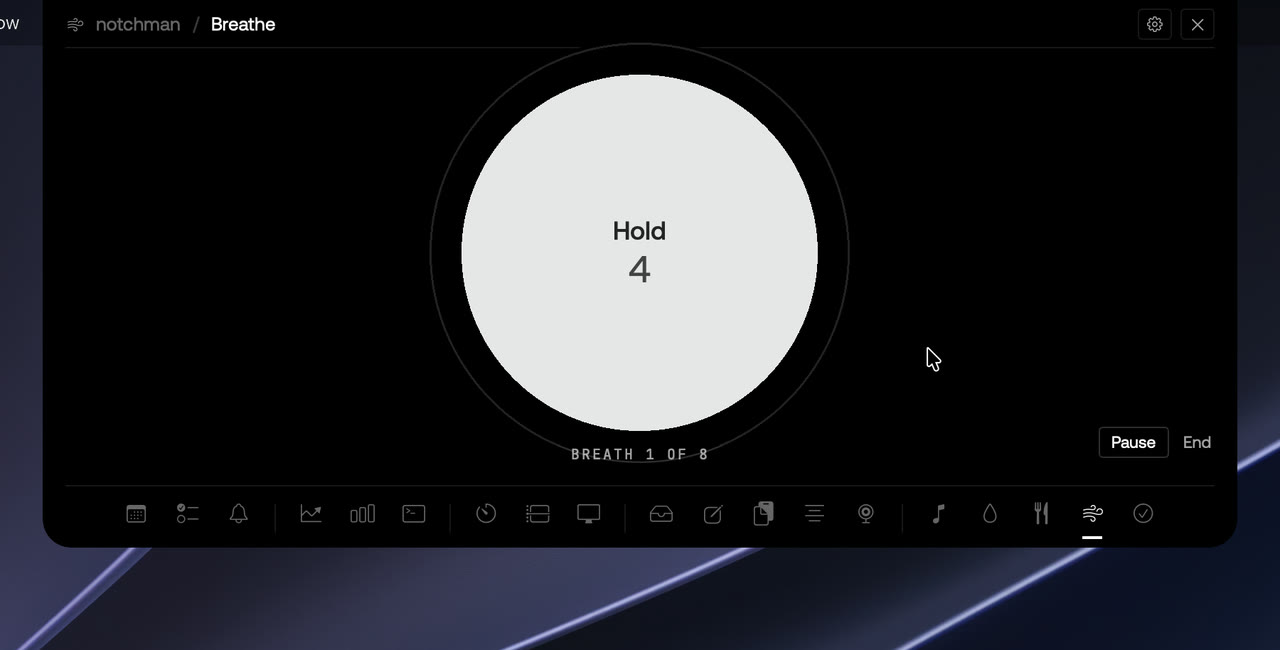
A chime and a notification at each change. On a break, a Breathe button for a one-minute reset.
02 · Labels
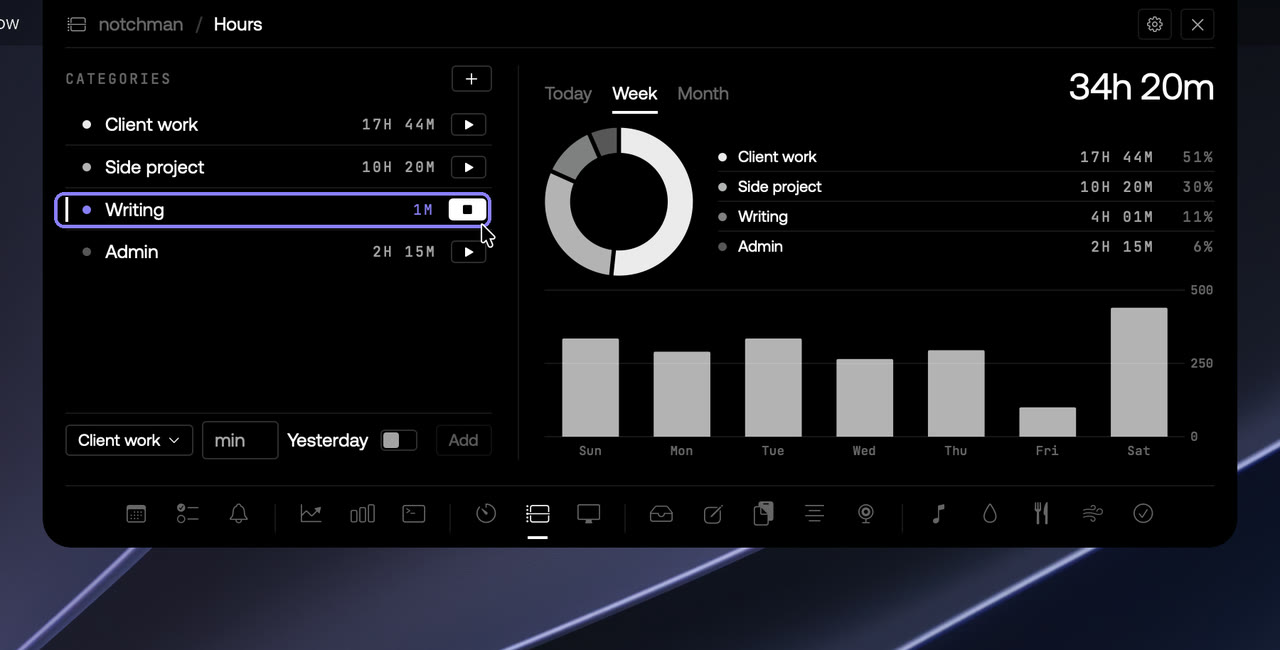
A record of your week.
Give a timer a label and it’s logged with the session.
03 · Sturdy
Survives a quit or sleep.
+1 and +5 add minutes while it runs. Quit or let the Mac sleep, and on relaunch it’s where it should be.
The details
ModesPomodoro, countdown, stopwatch with laps
LogsEvery labelled session
notchman comes with Timers
and 23 other tools.
One hover away: Teleprompter, Mirror, AI Usage, Revenue, Music and the rest. Pay once, use it every day.
Lifetime license
$4.99$19.99once
Buy for $4.9914-day refund · Secure checkout by Dodo · Your local currencyQuestions
Does the timer keep running when the notch is closed?
Yes. It runs in the background and chimes when it ends, with a notification, whether the notch is open or not.
Can I change the Pomodoro lengths?
Pomodoro uses the classic 25 and 5 in this version. For any other length, use Countdown with a label.
Is there a countdown in the menu bar?
No. notchman keeps the menu bar clean on purpose. Hover the notch to see the time left.