 notchman
Teleprompter⌥⌘P
Read your script.
Recordings never see it.
Your script scrolls right under the camera, so your eyes stay near the lens. It’s see-through, you keep working in the app behind it, and screen recordings show what’s behind it.
24 tools, one price · macOS 14 or later · 14-day refund
How it works
01
Paste your script
Into the Teleprompter tab, or type it there.
02
Press ⌥⌘P
From any app: a 3, 2, 1, and it scrolls.
03
Read to the lens
Change the speed and size as you go.
01 · Hidden
Not in your recording.
QuickTime, ⇧⌘5 and apps that record or share through macOS see what’s behind it. The eye in the tab shows it when you want it shown.
02 · Hands free
Keyboard only.
⌥⌘P plays and pauses from any app, ⌥⌘↑ and ⌥⌘↓ change the speed, ⌥⌘← goes back a line.
03 · See-through
Clear to the app behind.
Slide the background to clear; while it plays only the words show. Drag the bottom edge for a slim strip.
The details
Opens with⌥⌘P, from any app
Speed⌥⌘↑ / ⌥⌘↓ while it plays
Hidden fromRecordings and shares through macOS screen capture
Without a notchHangs from the top centre, under the camera
notchman comes with Teleprompter
and 23 other tools.
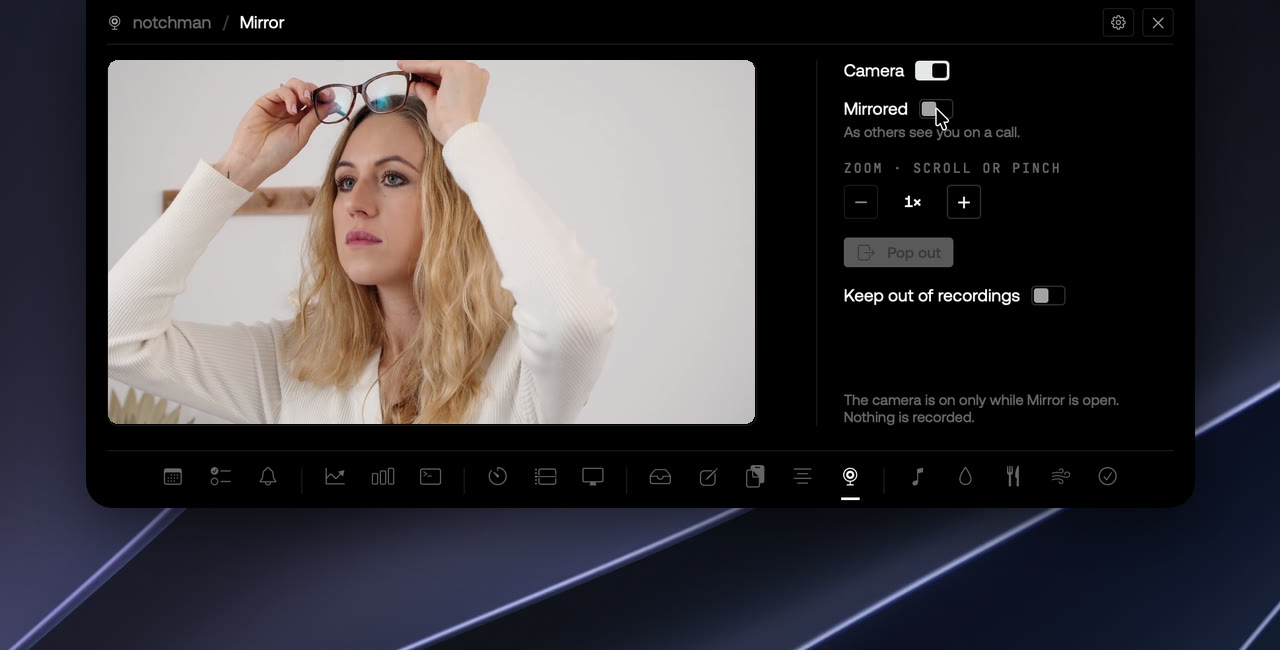
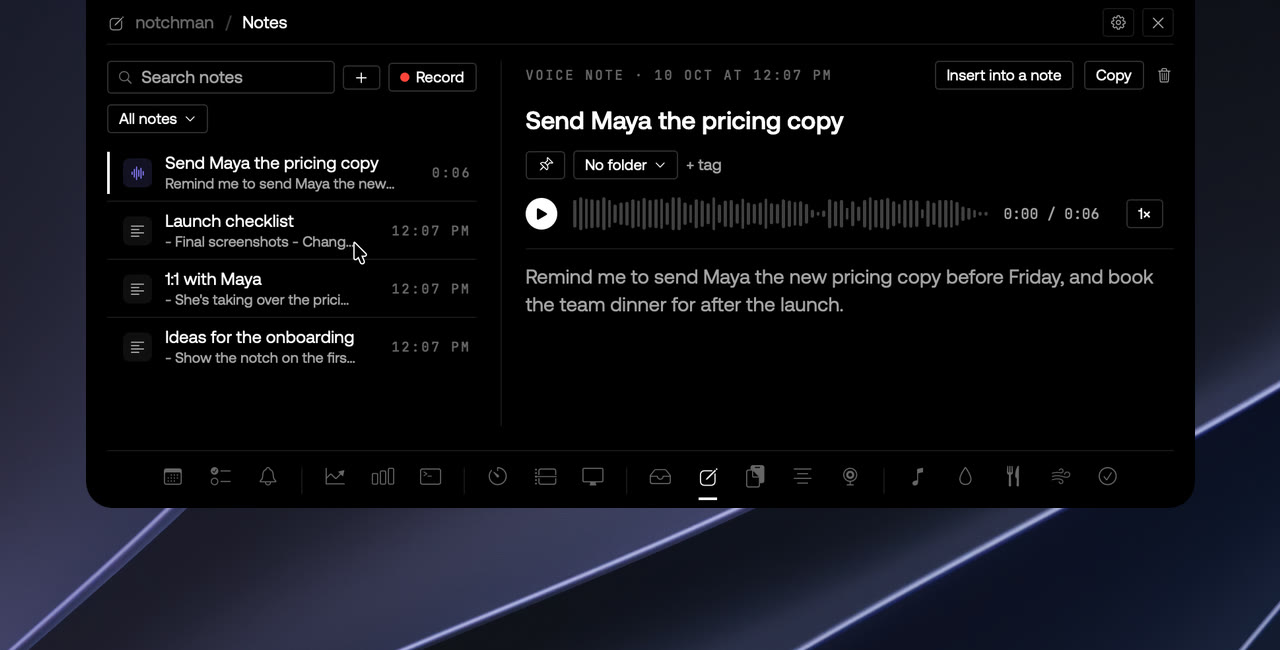
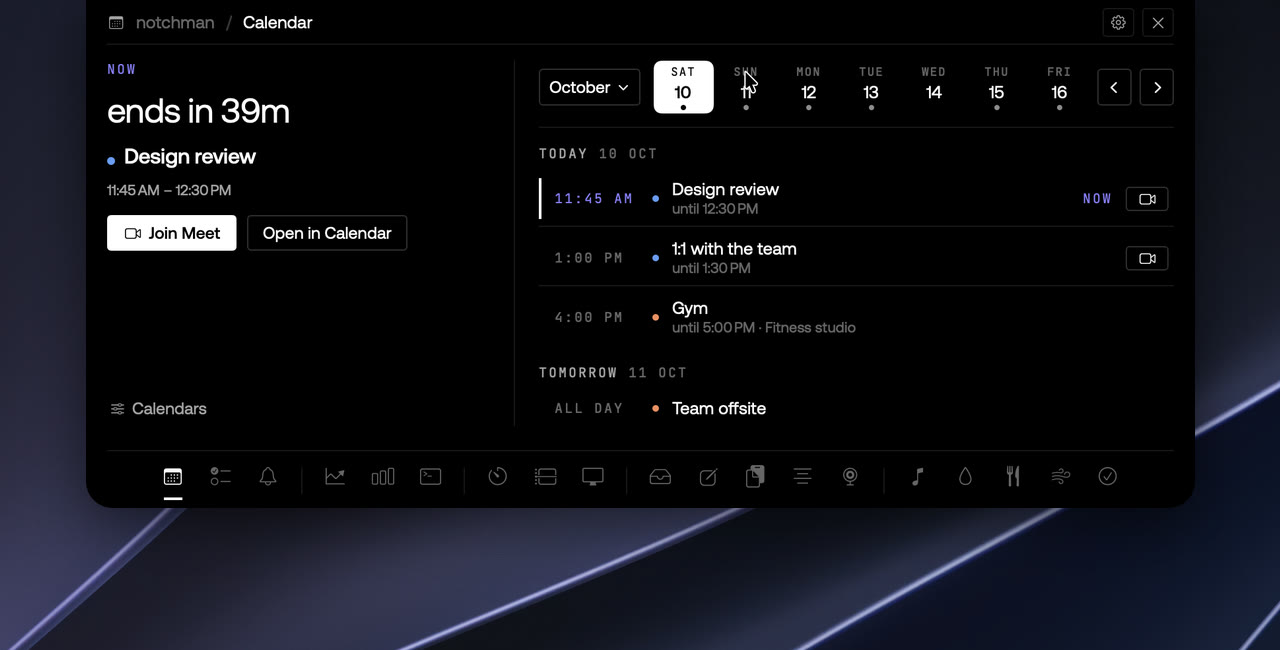
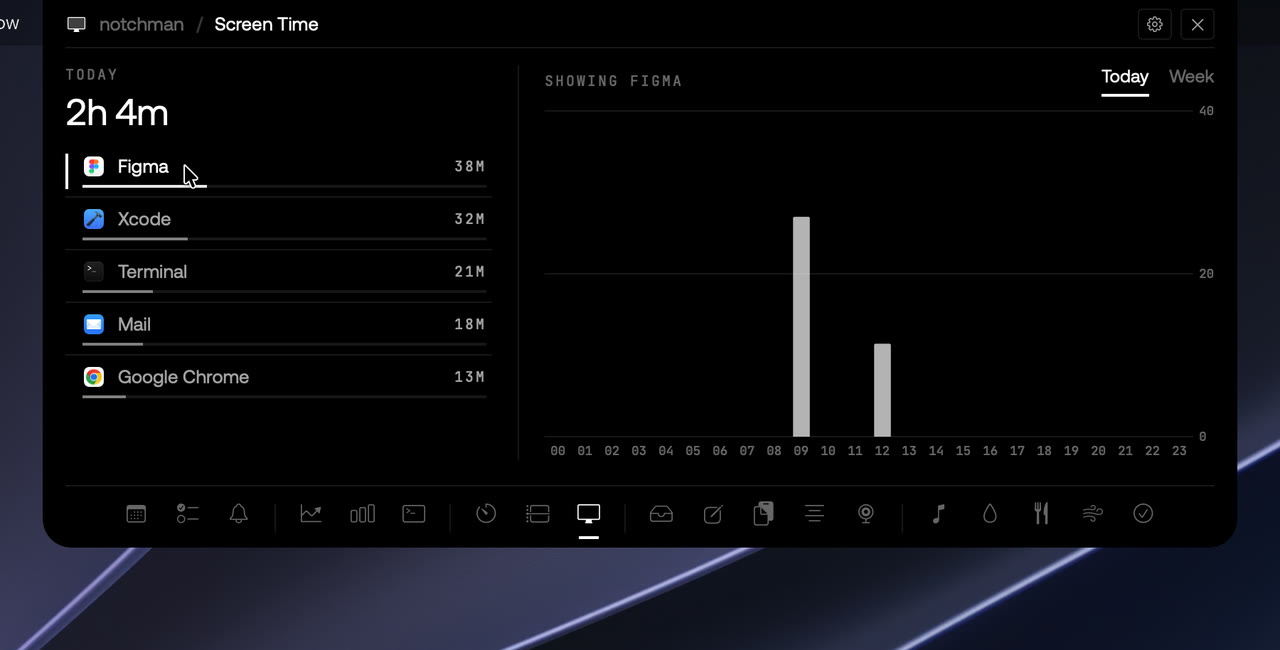
One hover away: Teleprompter, Mirror, AI Usage, Revenue, Music and the rest. Pay once, use it every day.
Lifetime license
$4.99$19.99once
Buy for $4.9914-day refund · Secure checkout by Dodo · Your local currencyQuestions
Will it show up in my recording?
Not by default. While the Teleprompter is open, recordings and screen shares that go through macOS's own screen capture, like QuickTime and ⇧⌘5, see what's behind it. Your mouse pointer is still recorded, so use ⌥⌘P to play and pause.
Does it follow my voice?
Not yet. It scrolls at the speed you set, and you can change it while you read.
Does it work without a notch?
Yes. On Macs and screens without a notch it hangs from the top centre of the screen, under where a camera usually is.