 notchman
Calendar
Your next meeting.
Join in one click.
A live countdown to what’s next and a Join button that knows Meet, Zoom, Teams, Webex and FaceTime. Today, tomorrow and the week, one hover away.
24 tools, one price · macOS 14 or later · 14-day refund
How it works
01
Allow Calendar
It reads the calendars already on your Mac.
02
Hover the notch
Your next event, counting down.
03
Click Join
The call opens in the right app.
01 · Countdown
“in 4m”, then “ends in 30m”.
The next event with its colour, time and place, counting down to it and then to its end.
02 · Any day
The week at a glance.
A dot on each day with something on. Click a day and the left side sums it up: how many events, how busy, the longest free gap, how many calls.
03 · Any date
A month, one click away.
The month name opens the whole month to jump to any date. Google, iCloud and Outlook come through the Mac’s Calendar app; nothing is written back.
The details
JoinMeet, Zoom, Teams, Webex, FaceTime, Around, Whereby
AccountsWhatever is in the Mac’s Calendar app
Writes backNever
notchman comes with Calendar
and 23 other tools.
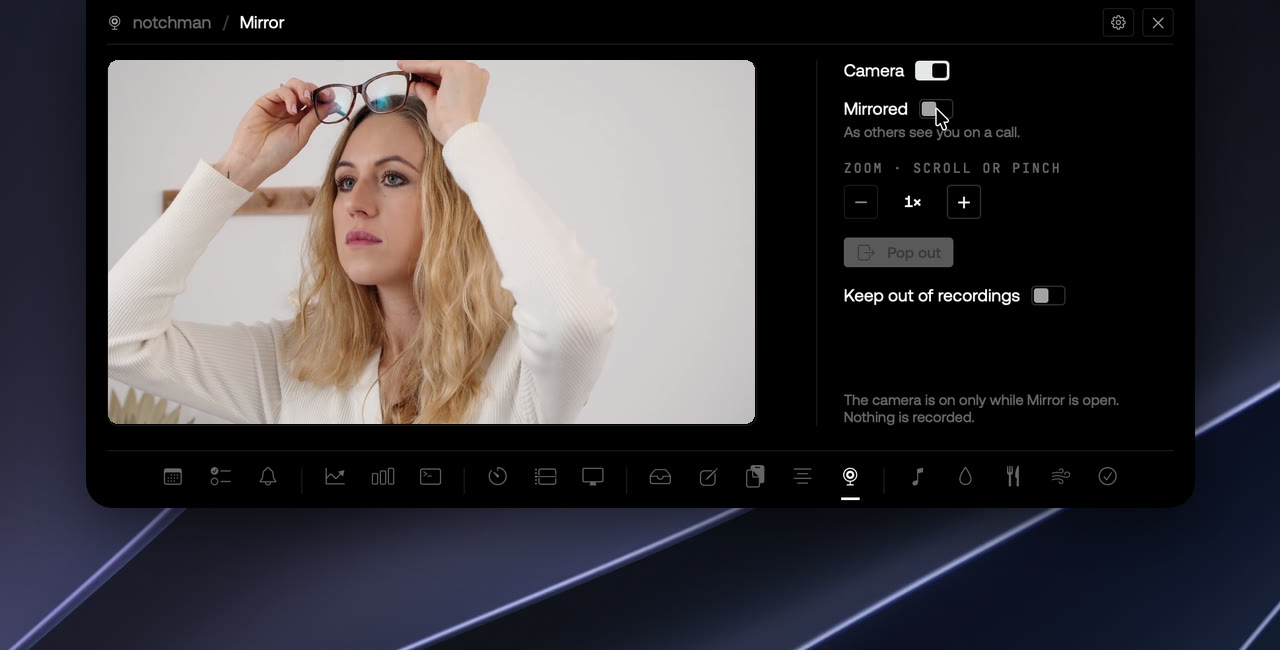
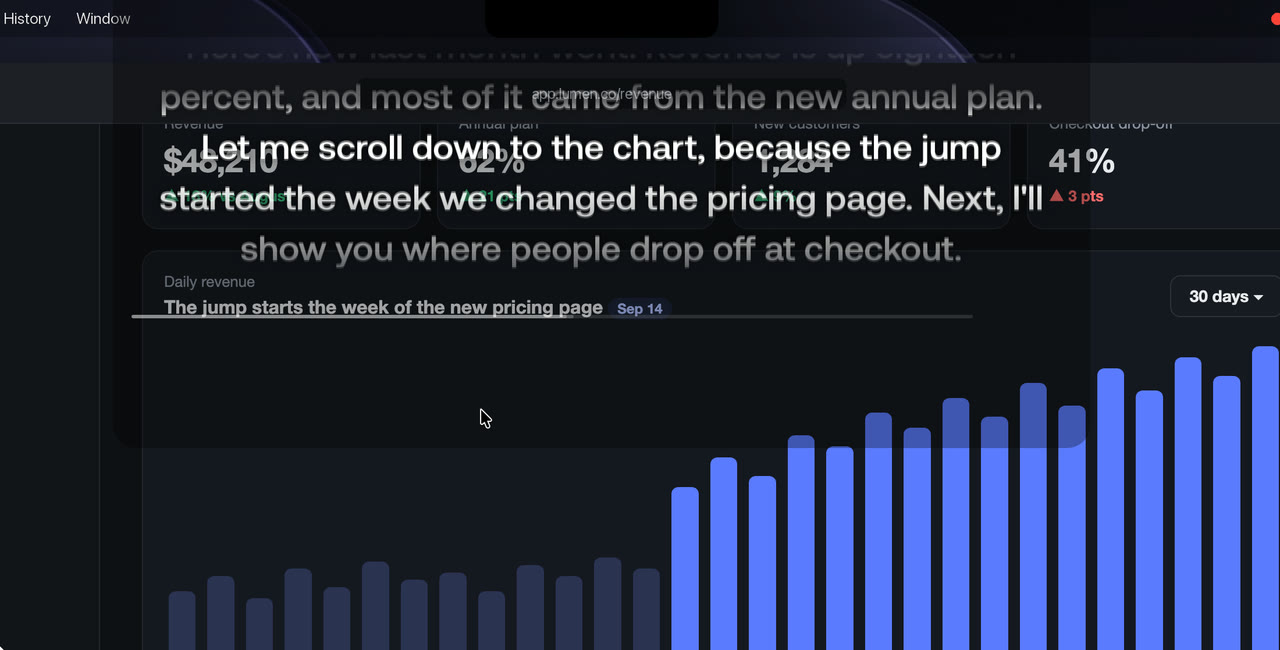
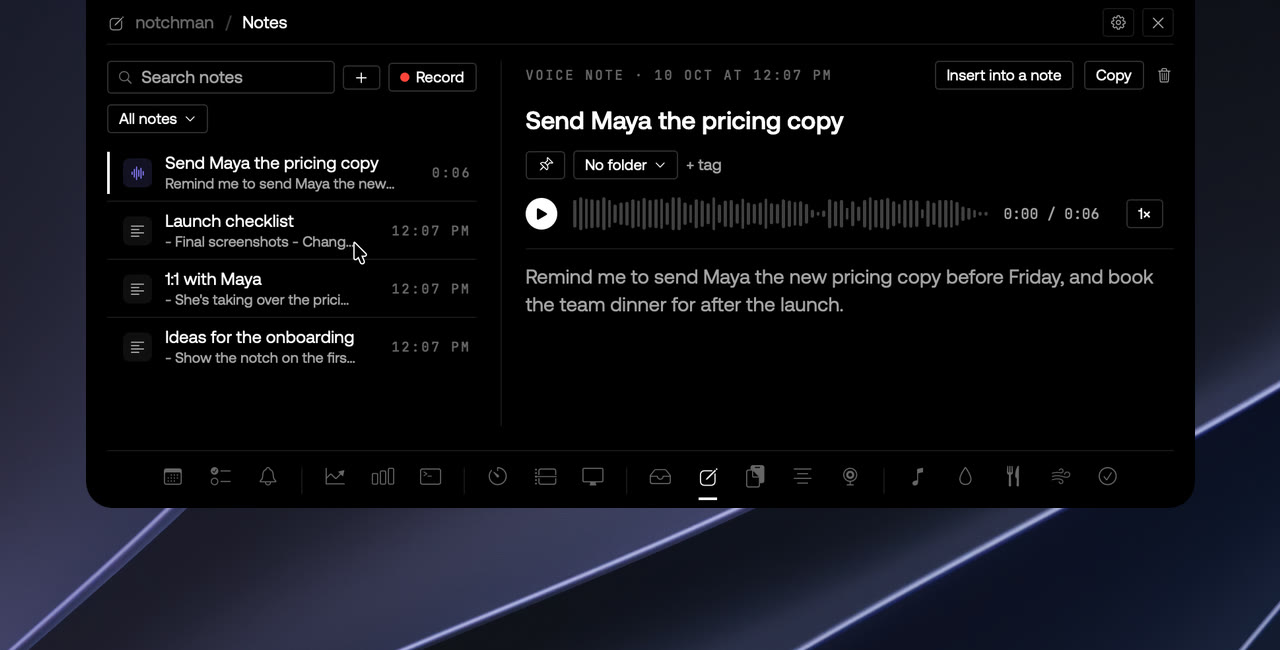
One hover away: Teleprompter, Mirror, AI Usage, Revenue, Music and the rest. Pay once, use it every day.
Lifetime license
$4.99$19.99once
Buy for $4.9914-day refund · Secure checkout by Dodo · Your local currencyQuestions
Does it need my Google password?
No. It reads what the Mac's Calendar app already has. Add the account there once and the notch sees it.
Can I create or edit events?
No, on purpose. That's what the Calendar app is for. The notch answers what's next and gets you into the call.
Why is a meeting link missing?
Most likely the Mac hasn't pulled it from the server yet. Press ⌘R in the Calendar app, or shorten the account's refresh interval.
What permission does it ask for?
Calendar access, once, the first time you open the tab. Deny it and the tab explains how to turn it on in System Settings; nothing else is affected.