 notchman
Shelf
Drop it on the notch.
Drag it out later.
Start dragging anything and aim for the notch. Switch apps, find the place, and drag it back out. Files, images, links and text all land as tiles.
24 tools, one price · macOS 14 or later · 14-day refund
How it works
01
Drag to the notch
It opens on Shelf; let go anywhere.
02
Switch apps
The tiles wait for you.
03
Drag it out
Into a message, an email, a design, a folder.
01 · Anything
Files, images, links, text.
Drag a picture off a web page, a link from the address bar or a sentence you selected: each lands as a tile. ⌘V adds whatever is on your clipboard.
02 · Share
AirDrop in a flick.
Right-click any tile for AirDrop, Share, Quick Look, Reveal in Finder, Copy and Copy Path. Or press Space to look inside.
03 · No copies
It follows the file.
The shelf keeps a reference, not a copy, so a 2 GB video costs nothing. Rename or move the original and the tile follows it.
The details
HoldsFiles, folders, images, links and text
ActionsAirDrop, Share, Quick Look, Reveal in Finder
StorageReferences, not copies
notchman comes with Shelf
and 23 other tools.
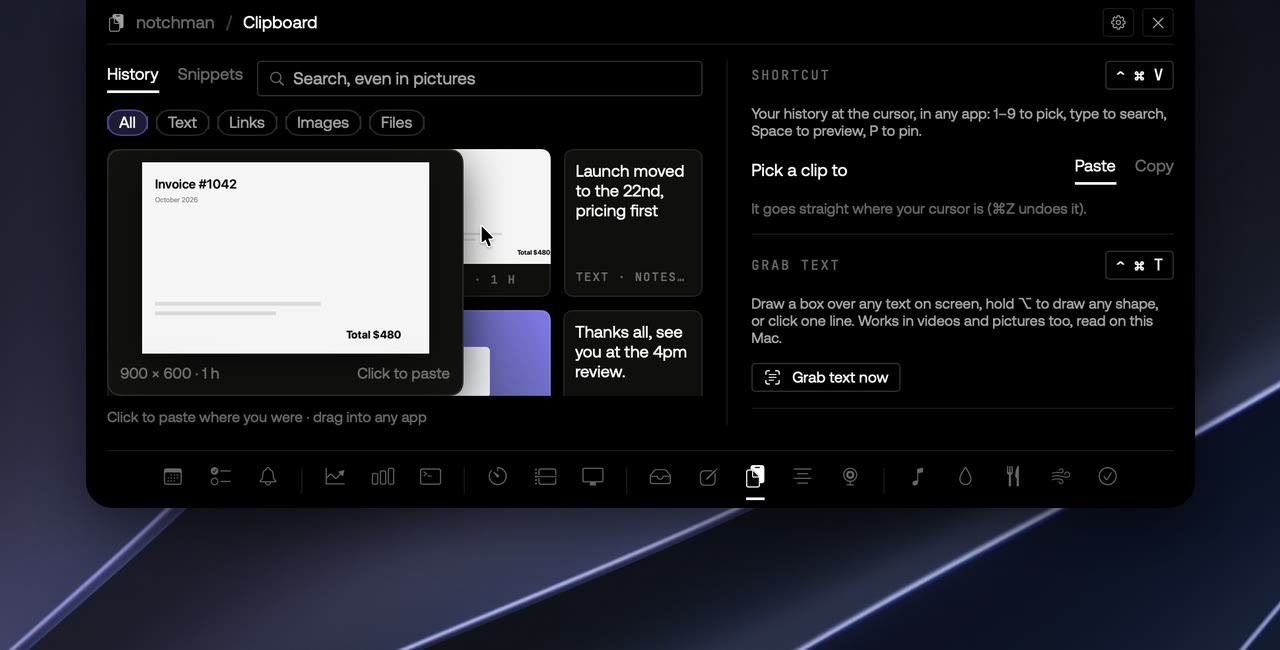
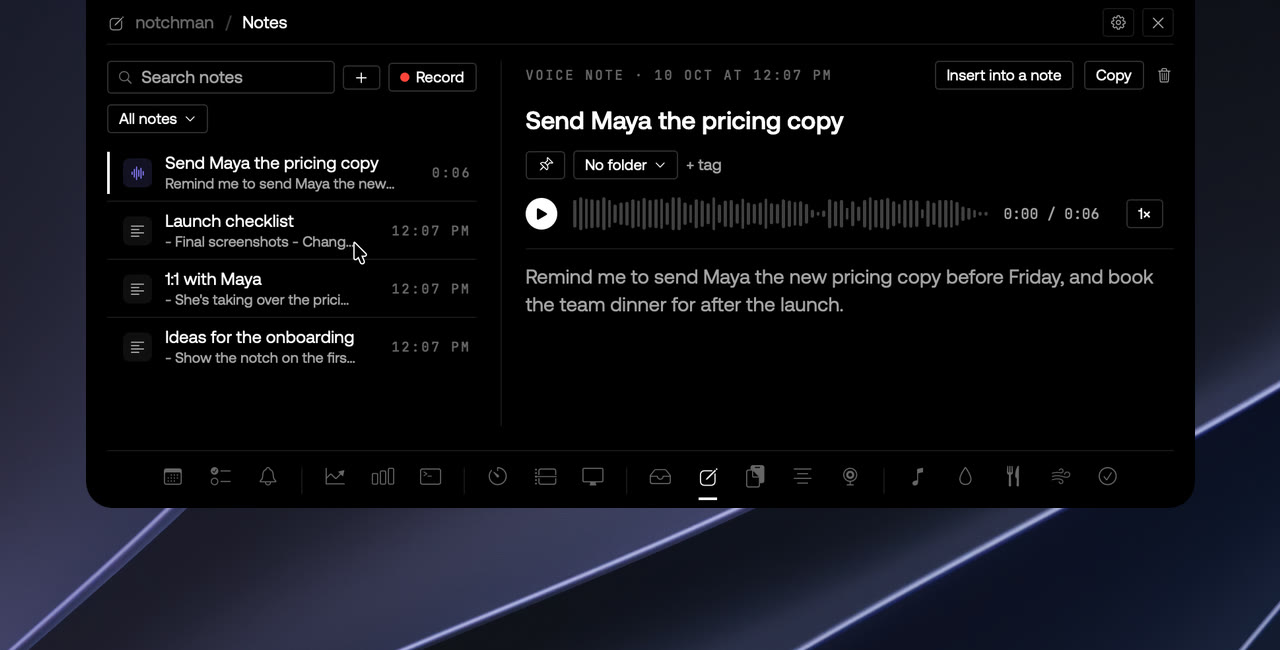
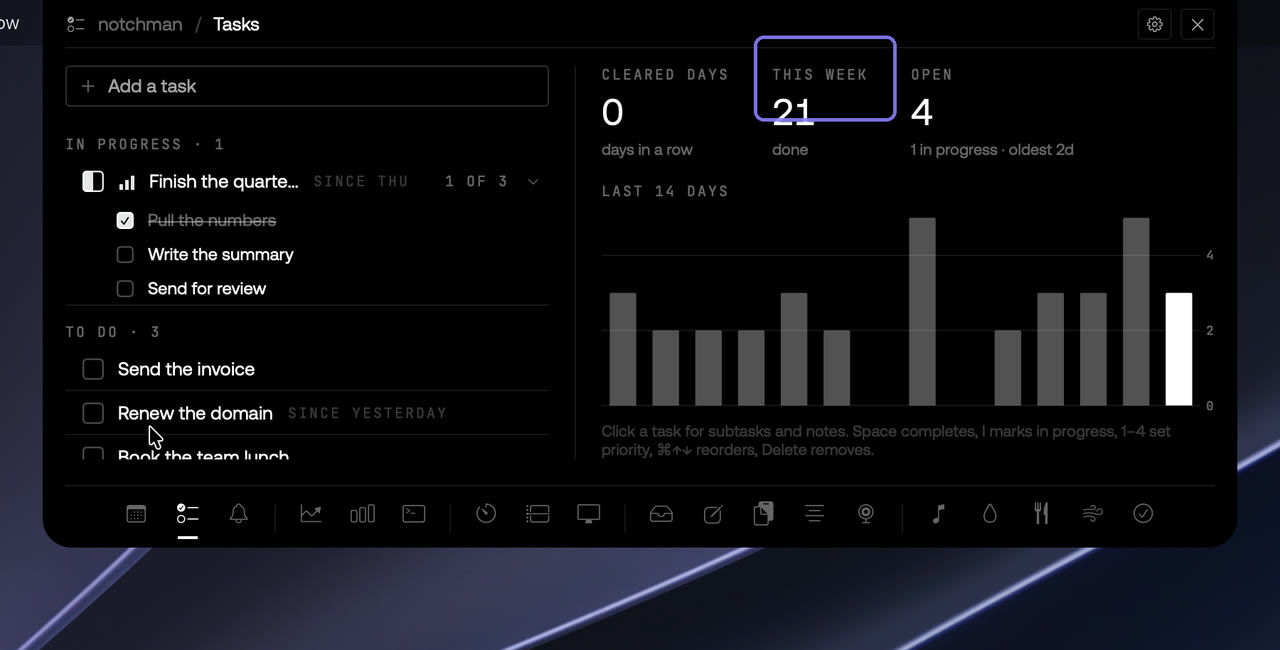
One hover away: Teleprompter, Mirror, AI Usage, Revenue, Music and the rest. Pay once, use it every day.
Lifetime license
$4.99$19.99once
Buy for $4.9914-day refund · Secure checkout by Dodo · Your local currencyQuestions
Does it copy my files anywhere?
No. It stores a reference to the file, like a Finder alias. The only exception is an image dragged straight from a web page, which has no file behind it, so a copy is saved into the app's own folder.
What happens if I move the original file?
The shelf follows it, the same way a Finder alias does. If the file is deleted, the tile is greyed out with a missing label and can be removed.
Can I AirDrop from the shelf?
Yes. Right-click a tile and choose AirDrop, or Share for everything else macOS offers.
Why doesn't the notch react when I drag?
Check that Shelf is switched on in Settings. When it's off, the notch ignores drags.