 notchman
Clipboard⌃⌘V
Everything you copied.
Right at the cursor.
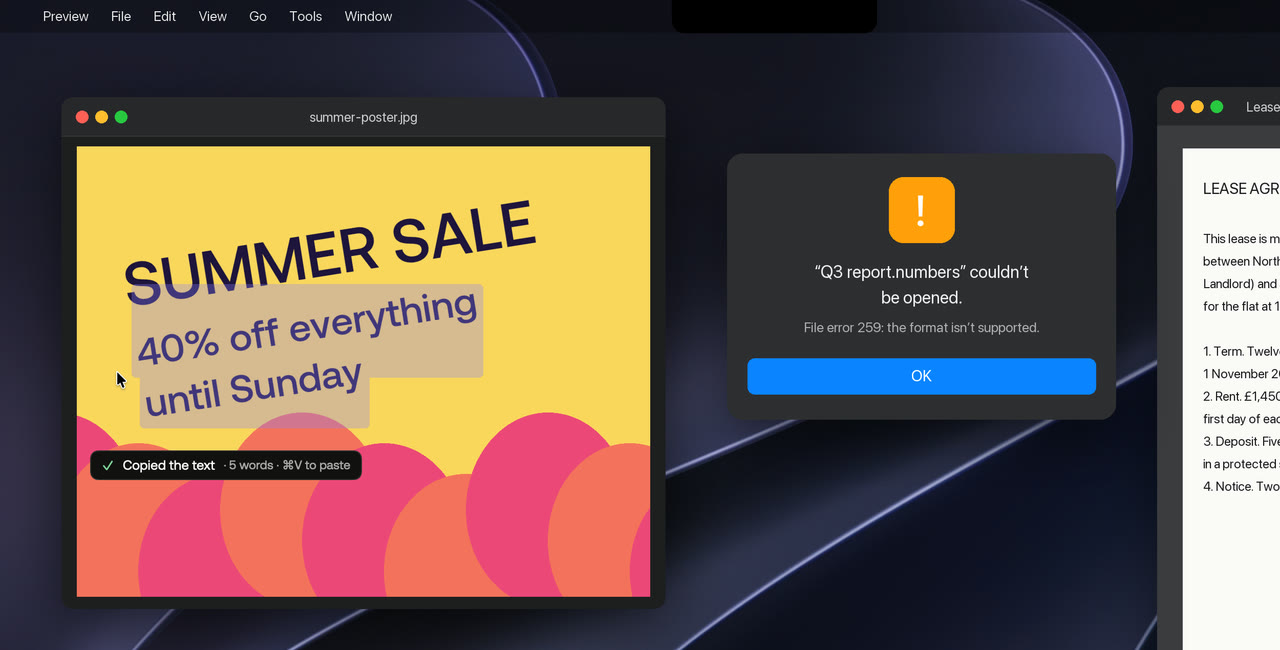
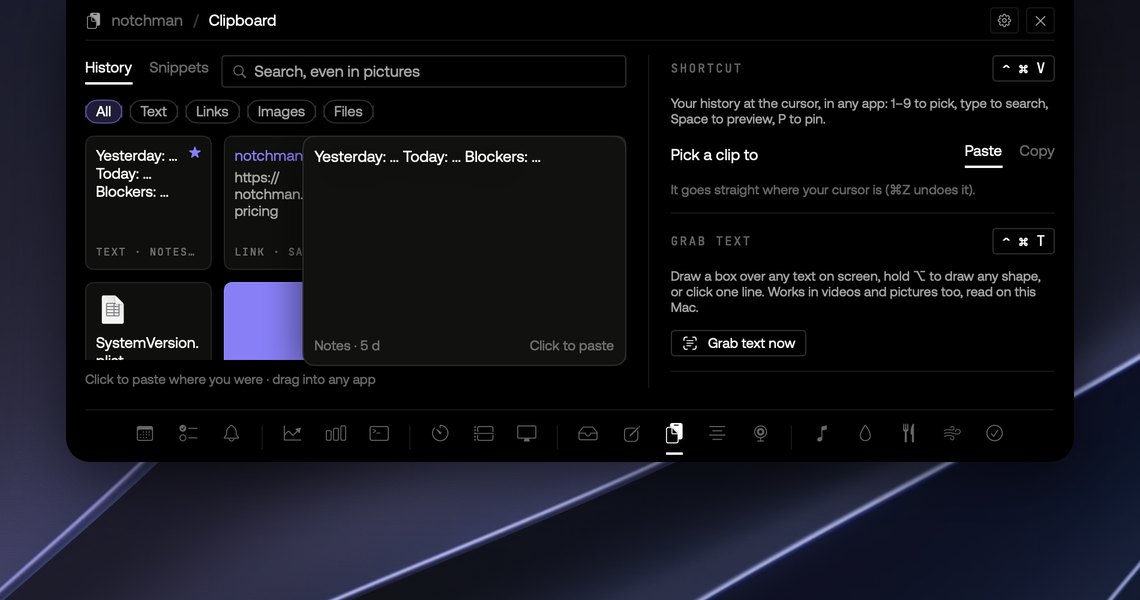
notchman keeps every copy (text, links, files, colours and pictures) and brings it back with ⌃⌘V, wherever you’re typing. Search even finds the words inside screenshots.
24 tools, one price · macOS 14 or later · 14-day refund
How it works
01
Copy as usual
Every copy is kept, with the app it came from. Nothing to set up.
02
Press ⌃⌘V
Your history opens right where you’re typing, in any app.
03
Pick and paste
1–9 to pick, type to search, Space to preview, P to pin.
01 · Search
Find it by what’s in it.
Screenshots and pictures are read on your Mac, so searching “invoice” finds the screenshot of the invoice. Space shows a big preview before you paste.
02 · Paste as
Fix the case on the way in.
Press → on a clip for UPPERCASE, lowercase, Title Case, Sentence case or one line, then ↩. Text copied in capitals out of a PDF comes in as a sentence.
03 · Pins
Keep the ones you reuse.
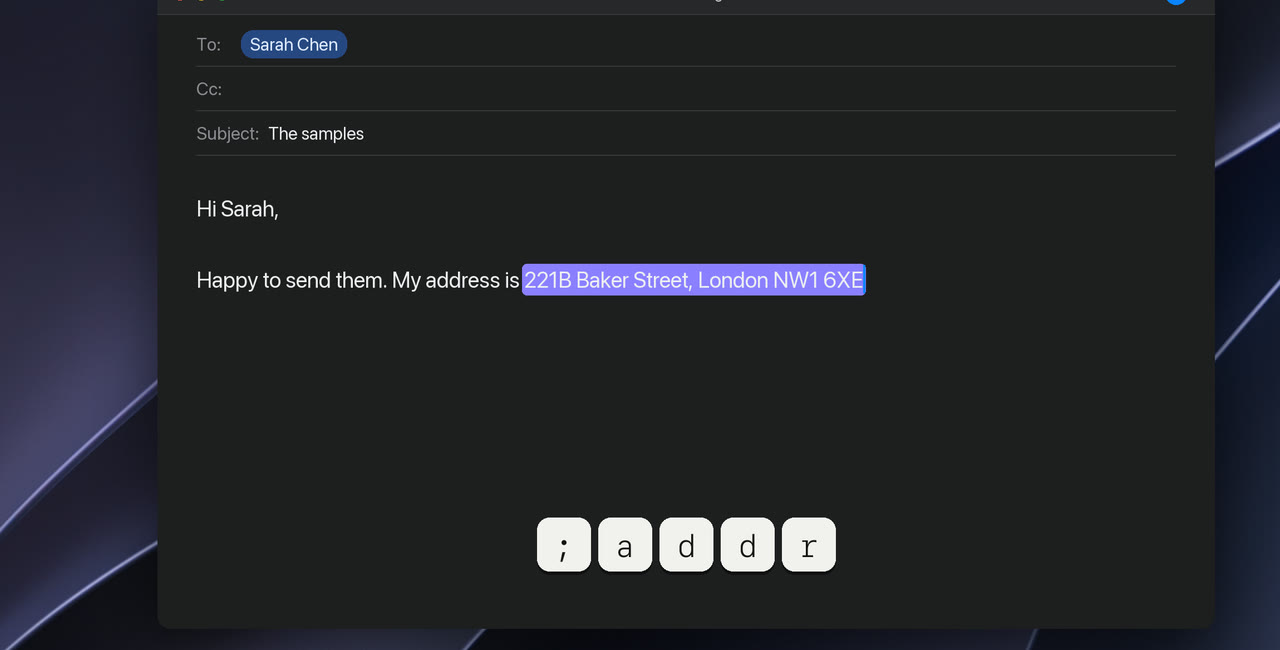
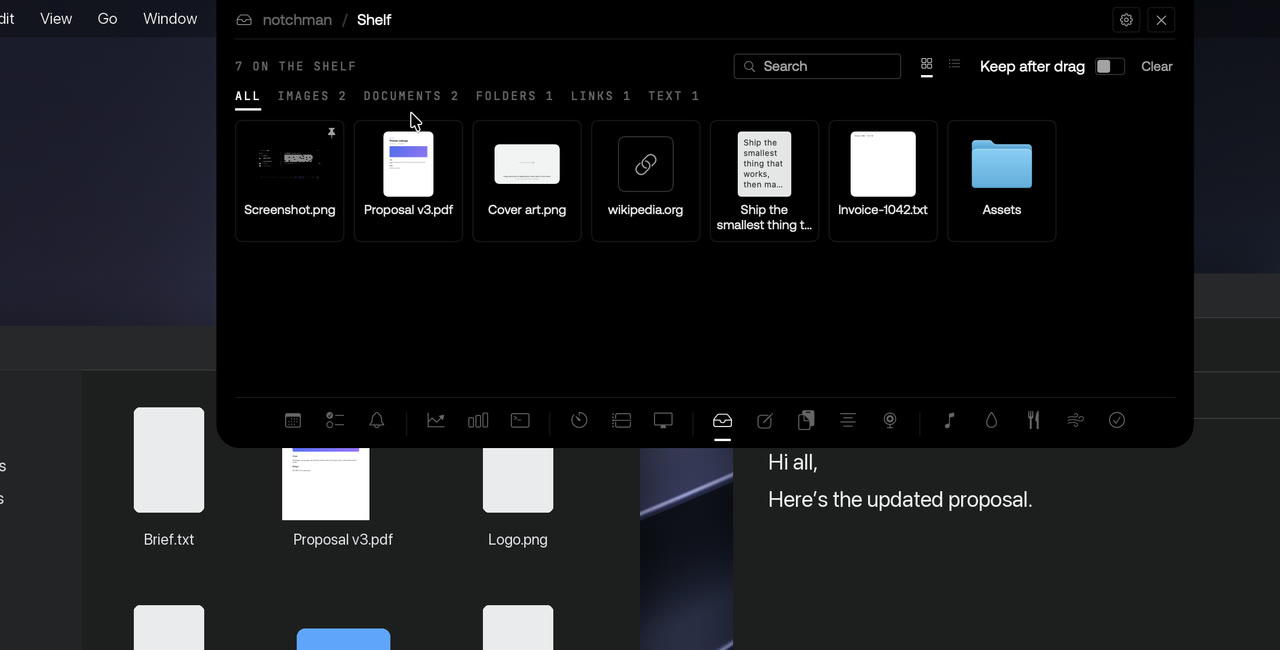
Press P in ⌃⌘V and the clip moves up to Pinned, where new copies never push it out. Drag any card straight into another app.
The details
Opens with⌃⌘V, at the cursor, in any app
KeepsText, links, files, colours and pictures
SearchInside screenshots too, read on your Mac
Never keepsPasswords, API keys, tokens and card numbers
PermissionsNone for history; Accessibility to paste at the cursor
notchman comes with Clipboard
and 23 other tools.
One hover away: Teleprompter, Mirror, AI Usage, Revenue, Music and the rest. Pay once, use it every day.
Lifetime license
$4.99$19.99once
Buy for $4.9914-day refund · Secure checkout by Dodo · Your local currencyQuestions
Does it keep images?
Yes. Screenshots and images are kept as pictures, and the text in them is read on your Mac so search finds them.
Is my clipboard sent anywhere?
No. History, snippets and the text read from pictures stay in a local database on your Mac. There is no sync and no server.
Does it need any permissions?
Keeping your history and opening ⌃⌘V don't. Pasting straight where your cursor is needs Accessibility (without it, the item you pick goes on your clipboard for ⌘V), and so do Snippets, because they type for you. ⌃⌘T needs Screen Recording to see the screen while you choose. macOS asks the first time.
How does it compare to Maccy, Paste or TextExpander?
It covers history, pins, search inside screenshots, snippets and text grab, in a tool you already hover. If clipboard work is your whole job, a dedicated app goes deeper; if you want it without another app running, this is enough.