notchmanBuy
Launch price: $4.99, then $19.99 from 16 October.Buy now ›
Rewrite⌥⌘L

Rewrite anything,
right where it is.

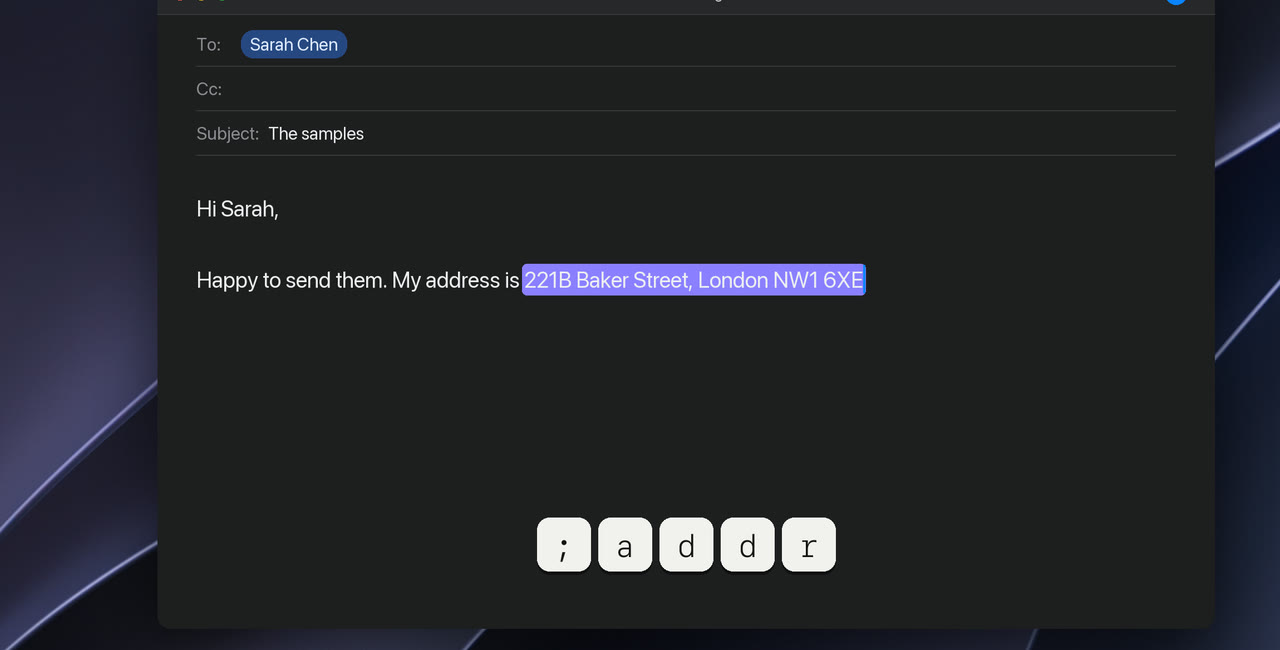
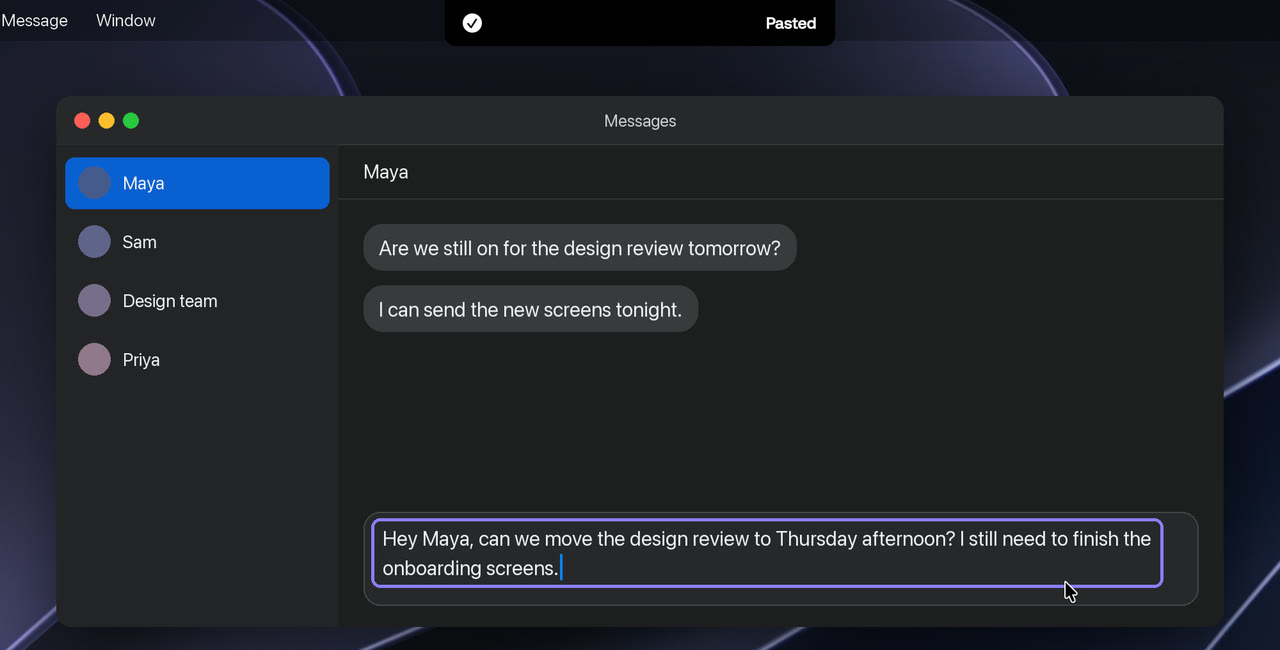
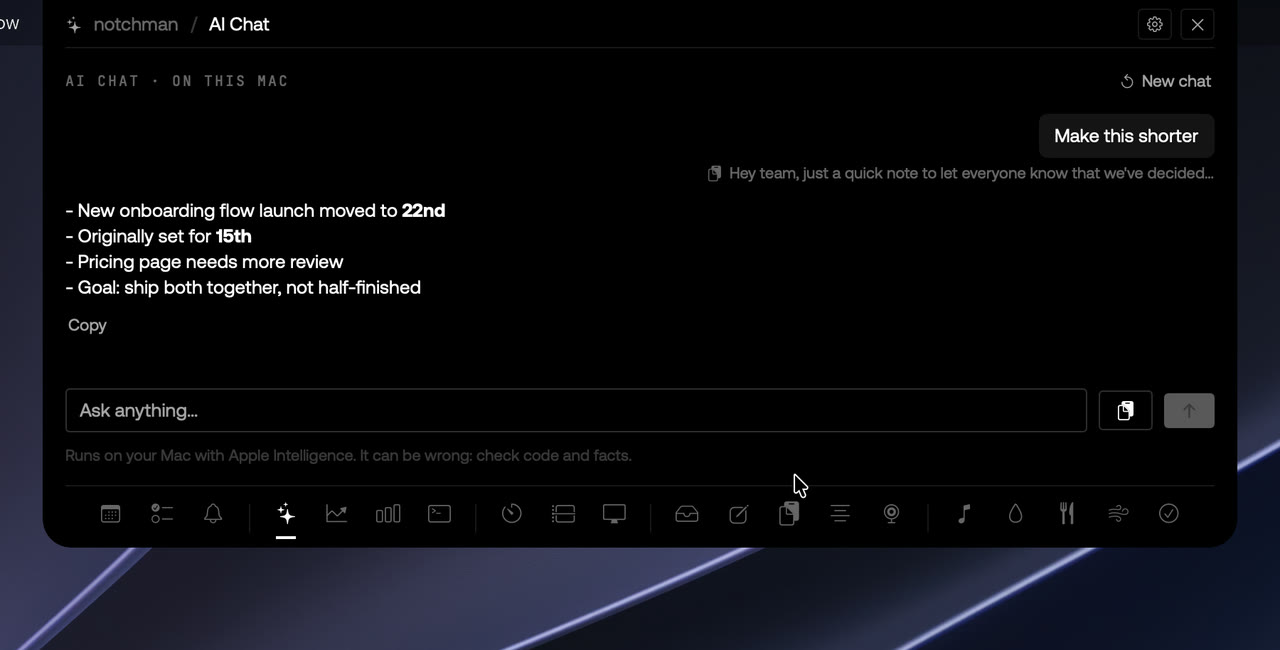
Select text in any app and press ⌥⌘L. Pick Fix grammar, Shorter, More formal or Friendlier, or say what you want, and the new text replaces the old. Rewritten by Apple Intelligence, on your Mac.

24 tools, one price · macOS 14 or later · 14-day refund
How it works
01
Select some text
In Mail, Slack, Notion, a browser, anywhere.
02
Press ⌥⌘L
A small menu opens by your selection.
03
Pick a rewrite
It replaces your text. ⌘Z brings it back.
01 · Ready-made

Seven rewrites, one key each.

Fix grammar, Shorter, More formal, Friendlier, Bullet points, To English, and Reply to this, which drafts an answer to the message you selected. Press 1–7 to pick one without the mouse.

02 · Your own

Or say what you want.

Pick Type your own… and write the instruction, like “make it sound confident, keep it short”. Press Return and the rewrite follows it.

03 · Replace or copy

In place, or on your clipboard.

Press C in the menu to switch from Replace to Copy: your text stays as it is and the rewrite goes on your clipboard, ready to paste anywhere. Replace puts it over your selection, and ⌘Z undoes it.

The details
Opens with⌥⌘L, on text you’ve selected in any app
RewritesFix grammar, Shorter, More formal, Friendlier, Bullet points, To English, Reply to this, or your own
ThenReplace the selection (⌘Z undoes), or Copy
Rewritten byApple Intelligence, on your Mac
NeedsmacOS 26 with Apple Intelligence turned on
LengthUp to about 6,000 characters at a time
PermissionsAccessibility, to read your selection and put the rewrite back
CostIncluded in the one price

notchman comes with Rewrite
and 23 other tools.

One hover away: Teleprompter, Mirror, AI Usage, Revenue, Music and the rest. Pay once, use it every day.
Lifetime license
$4.99$19.99once
Buy for $4.9914-day refund · Secure checkout by Dodo · Your local currency
Questions
Which apps does it work in?
Any app where you can select text: Mail, Gmail, Slack, Notion, Chrome, a code editor.
Does my text leave my Mac?
No. Rewrites run on Apple Intelligence on your Mac. notchman sends nothing to a server, and there’s no account or API key.
What does it need?
macOS 26 with Apple Intelligence turned on in System Settings, and Accessibility, so it can read your selection and put the rewrite back. On other Macs Rewrite isn’t available; every other tool works.
How much text can it rewrite?
Up to about 6,000 characters at a time, a long email or a few pages of notes. For more, rewrite it in parts.
Does it cost extra?
No. It’s included in the one price, like every tool. There are no words to buy and no Pro plan.