Timers in your Mac's notch
Pomodoro, countdown and stopwatch, without a window for a number.
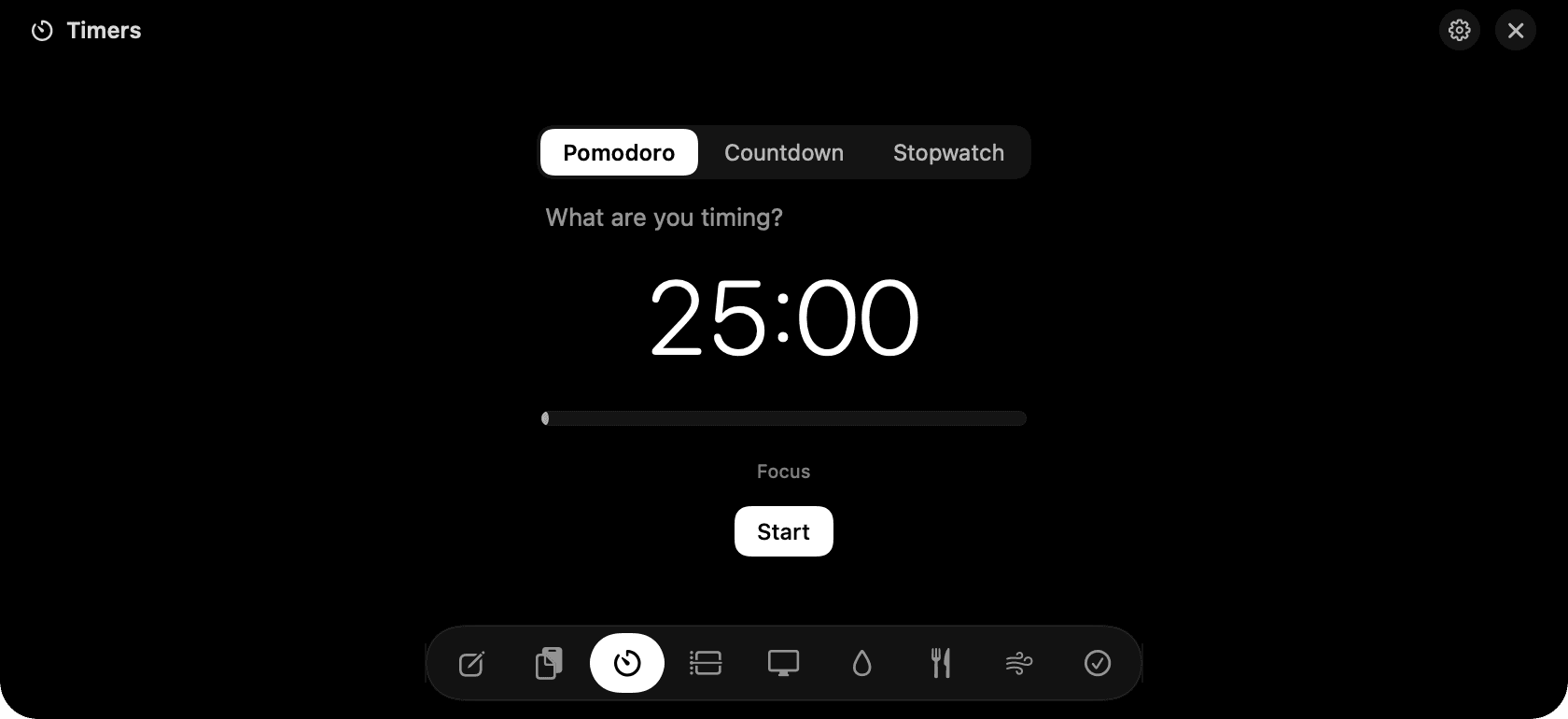
Timers in the notch: Pomodoro with the countdown beside it.
The problem
Timer apps want a whole window, or a menu bar icon you squint at. You end up alt-tabbing to check how long is left, which is the opposite of focus.
How Timers works
Pomodoro runs 25 minutes of focus and 5 of break, cycling on its own with a chime and a notification at each change. On a break there is a Breathe button for a one-minute reset.
Countdown has quick chips for the usual lengths, or click the digits and type any length. Stopwatch has laps. Give any timer a label and it's logged with the session, so a week of labelled blocks becomes a record of what you worked on.
Quit mid-timer, or let the Mac sleep, and the timer resumes where it should be on relaunch. +1 and +5 add minutes while a countdown runs. Finish ends a block early and still logs the real time.
Tips
- The notch closes while a timer runs; hover to check it.
- Labels are optional. Unlabelled blocks are still logged with their length.
Questions
- Does the timer keep running when the notch is closed?
- Yes. It runs in the background and chimes when it ends, with a notification, whether the notch is open or not.
- Can I change the Pomodoro lengths?
- Pomodoro uses the classic 25 and 5 in this version. For any other length, use Countdown with a label.
- Is there a countdown in the menu bar?
- No. NotchMan keeps the menu bar clean on purpose. Hover the notch to see the time left.
Goes well with
Timers is one of nine tools in NotchMan.
One-time purchase, everything stays on your Mac, macOS 14 or later.
Updated 2026-09-21