The NotchMan guide
Every tool, one section each. A problem, what the tool does about it, and a picture.
Install and activate
- Download the DMG and drag NotchMan to Applications. Open it once; it appears in the menu bar, not the Dock.
- Hover the notch. The first time, it asks for your license key. Paste it from your receipt email and press Activate.
- That’s it. The key works on up to three Macs. Deactivate from Settings if you move to a new one.
A note that's always there
You need somewhere to put a phone number, a thought, a line from a call. Notes.app is three clicks away and you'll forget which note.
Scratchpad Scratchpad is one text box. It saves a third of a second after you stop typing, survives relaunches, and is the same box on every desktop and in fullscreen apps. Cmd-A, Cmd-Z and Cmd-V all work.
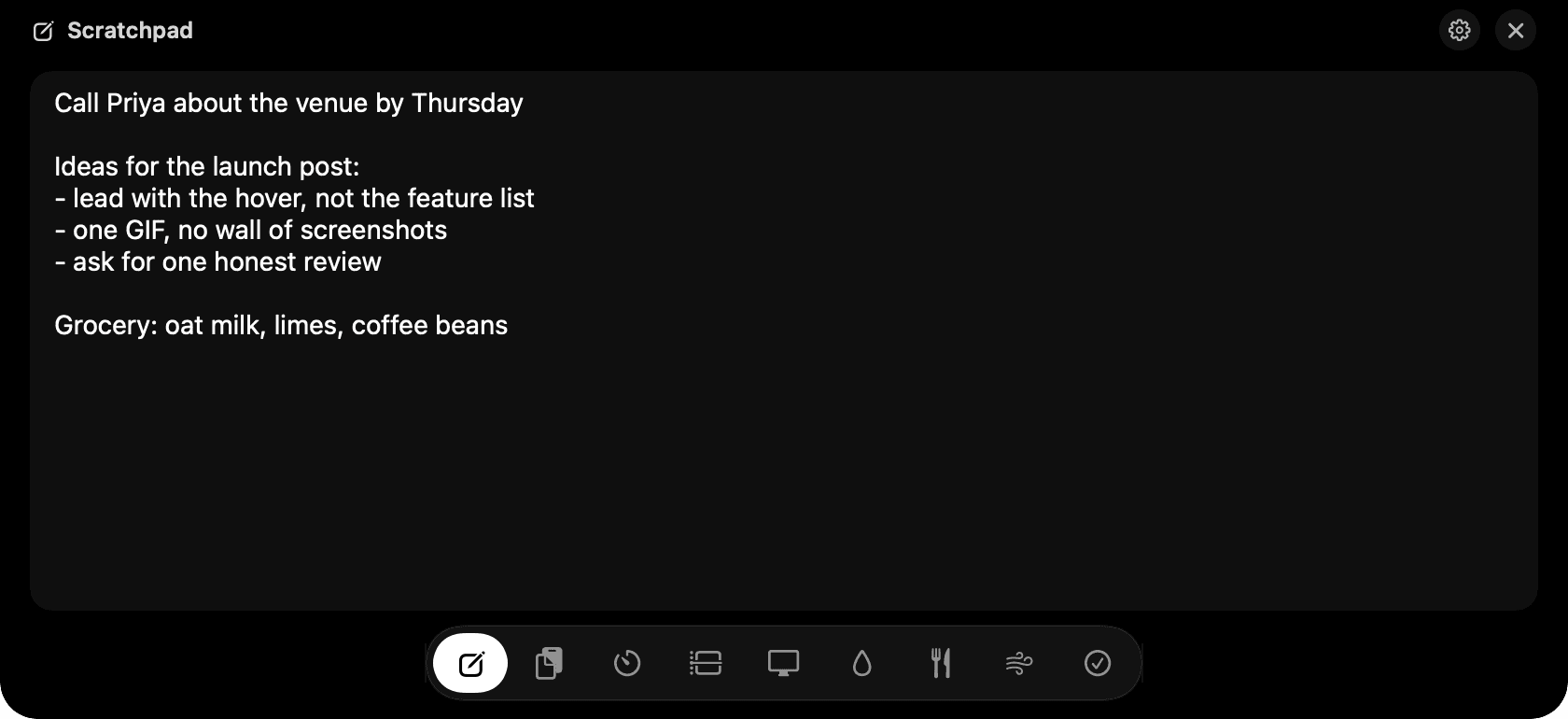
Scratchpad: type, close, it's still there.
- Press Escape to close the notch while typing.
- There's one scratchpad on purpose. For more, use Notes.
Everything you copied is still there
macOS remembers one thing. Copy something new and the last one is gone, usually four seconds before you needed it.
Clipboard Clipboard keeps text, links and files with a time stamp. Type to search. Click Copy on any row and the notch closes so you can paste straight away. Copying from history never re-adds the item, so the list stays in the order you copied things.
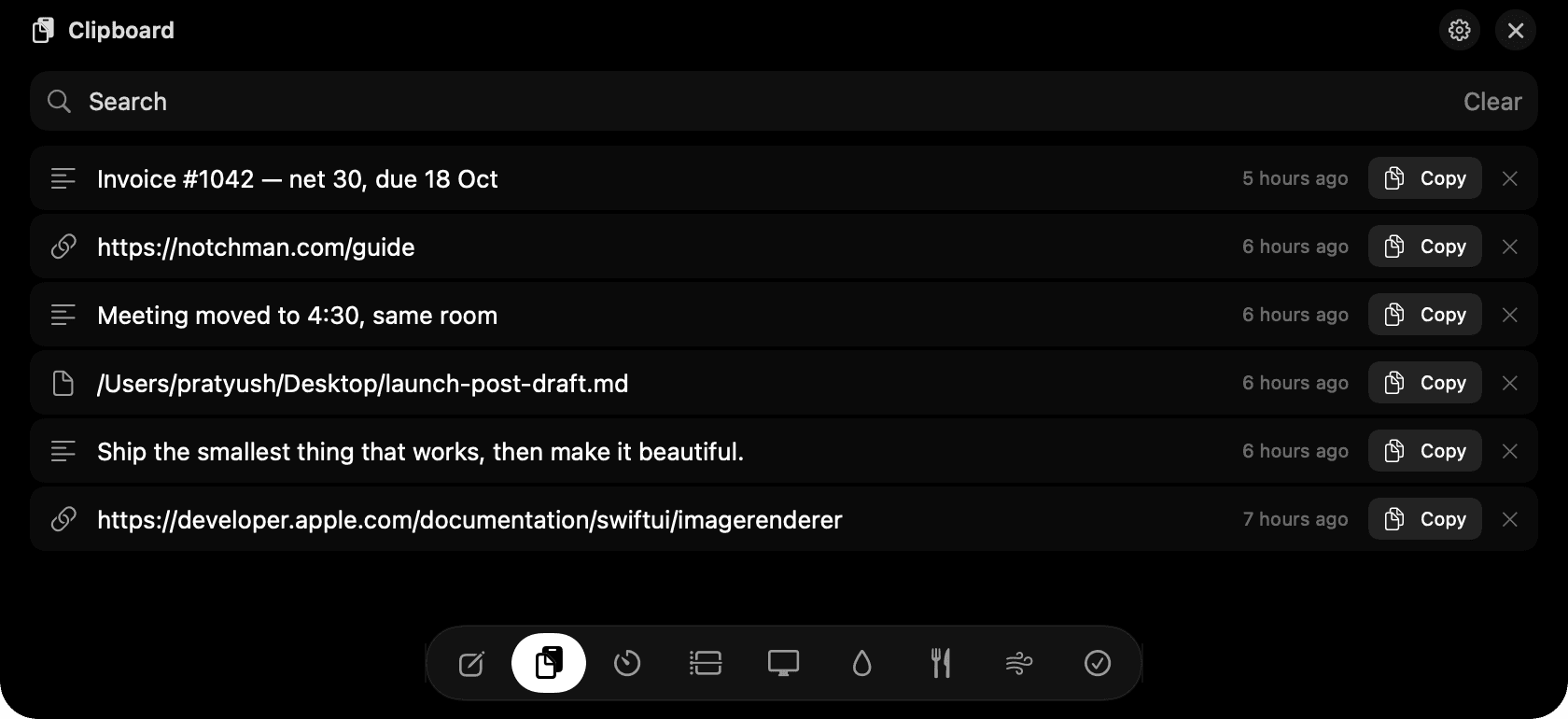
Clipboard: search, click Copy, paste.
- Passwords copied from a password manager are never recorded.
- Clear wipes the whole history; the x on a row removes just that one.
- History is capped at 500 items.
Pomodoro, countdown, stopwatch
Timer apps want a whole window for a number.
Timers Pomodoro runs 25 minutes of focus and 5 of break, cycling on its own with a chime. Countdown has quick chips or click the digits and type any length. Stopwatch has laps. Give a timer a label and it's logged with the session. Quit mid-timer and it resumes on relaunch.
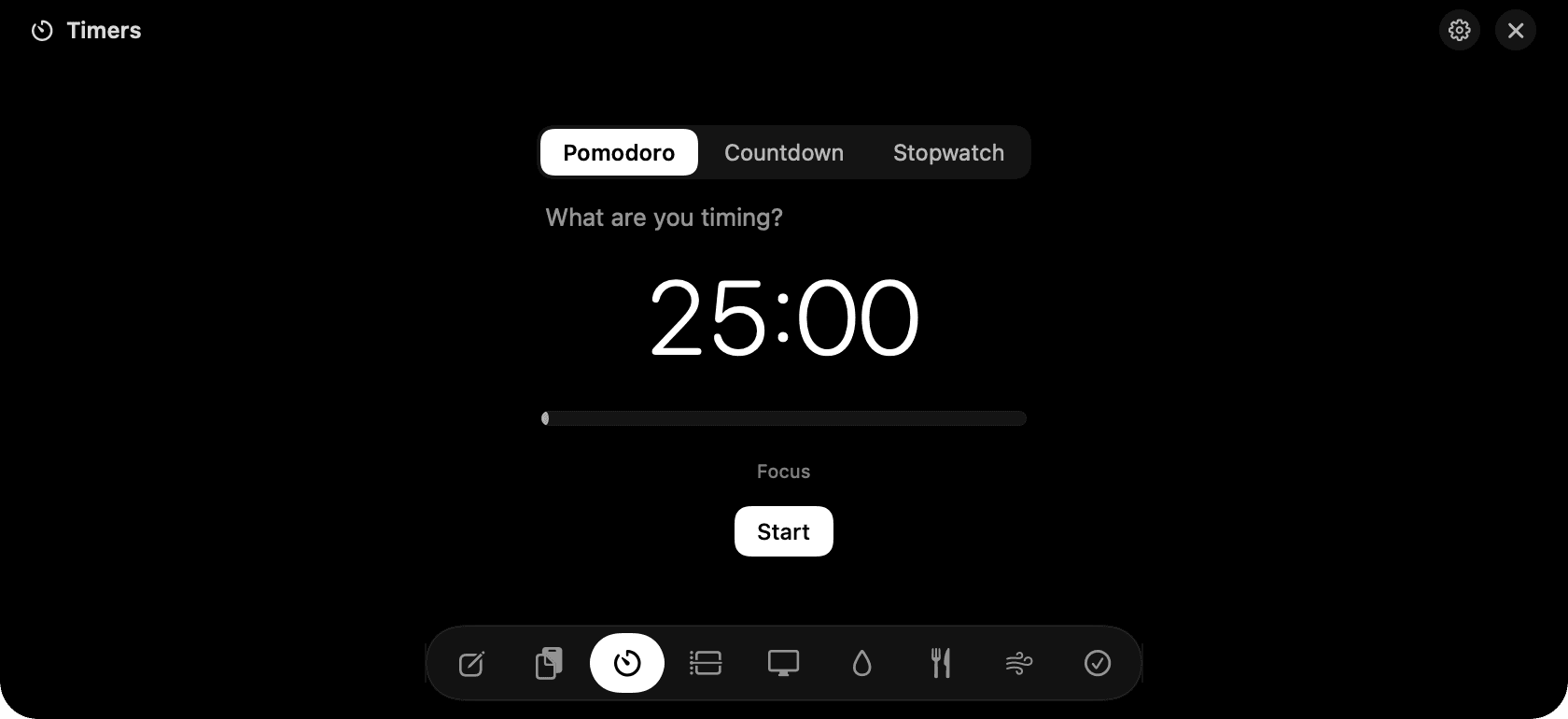
Timers: Pomodoro with an editable countdown beside it.
- +1 and +5 add minutes while running.
- Finish ends a block early and still logs the real time.
- On a Pomodoro break there's a Breathe 1 min button.
Where the hours went
You know you were busy. You don't know on what.
Categories Make a few categories, press play on one, press play on another to switch. Add forgotten time by hand, today or yesterday. The donut shows the share for today, this week or this month, and clicking a category filters the daily bars.

Categories: press play, and the donut fills in.
- Double-click a name to rename it.
- Right-click to archive; its time stays in history.
- One clock runs at a time, on purpose.
Which apps had your attention
Apple's Screen Time on the Mac is buried and vague.
Screen Time Screen Time watches which app is in front and for how long, with real icons. Hour-by-hour bars for today, daily bars for the week, and a per-app filter. It needs no permissions and stops counting after three minutes without input, or when the Mac sleeps or locks.
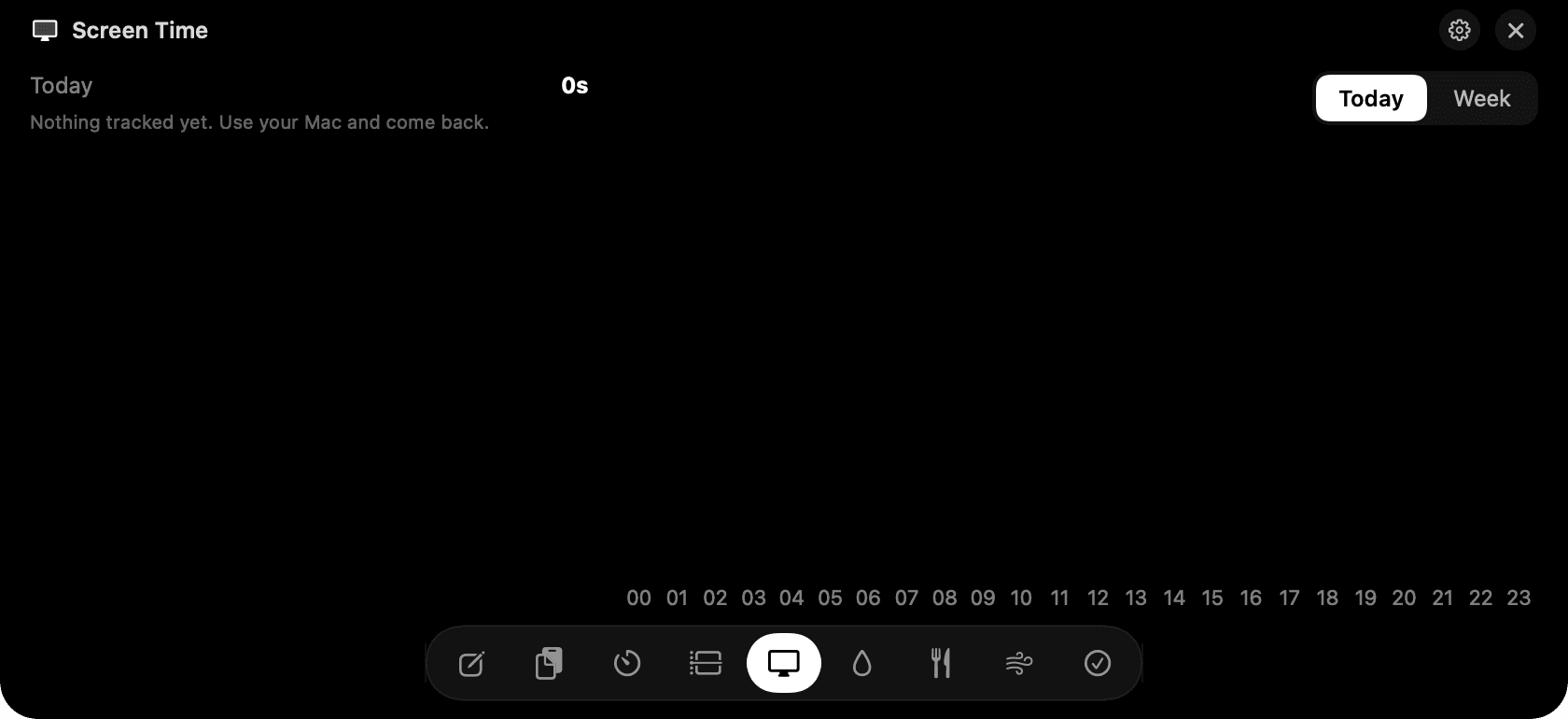
Screen Time: apps, durations and the hourly chart.
- Time only counts while the app is running.
- Browser tabs aren't tracked, just the browser.
A glass that fills
Everyone means to drink more water. Nobody logs it, because logging is annoying.
Hydration One click logs a glass, and the glass on screen rises with a wave. A dashed line shows where you should be at this hour. Reminders arrive as notifications with a Log button, and they know when you're away from the Mac or in a Pomodoro focus block, so they never nag at the wrong moment.
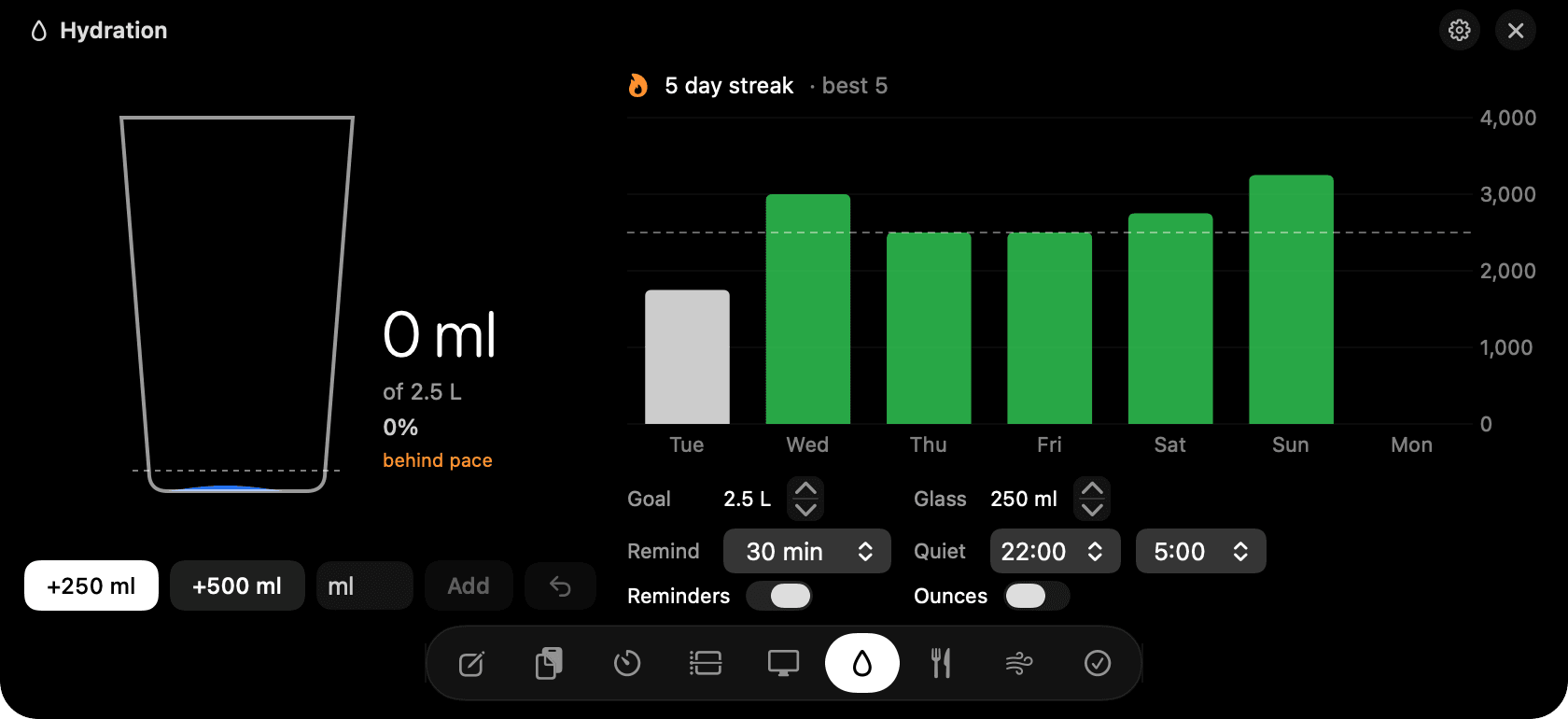
Hydration: the glass, the pace line and the week.
- Undo within six seconds if you misclick.
- Type 0.5 L or 300ml in the custom field.
- Quiet hours, goal and glass size live at the bottom of the tab.
Two minutes to reset
You're wound up and the next meeting starts in five minutes.
Breathe Pick a pattern, pick a length, press Start. The circle grows on breathe in and shrinks on breathe out, with a chime or a recorded voice at each change and a tap on the trackpad. The notch stays open until you're done. Space pauses, Escape ends.
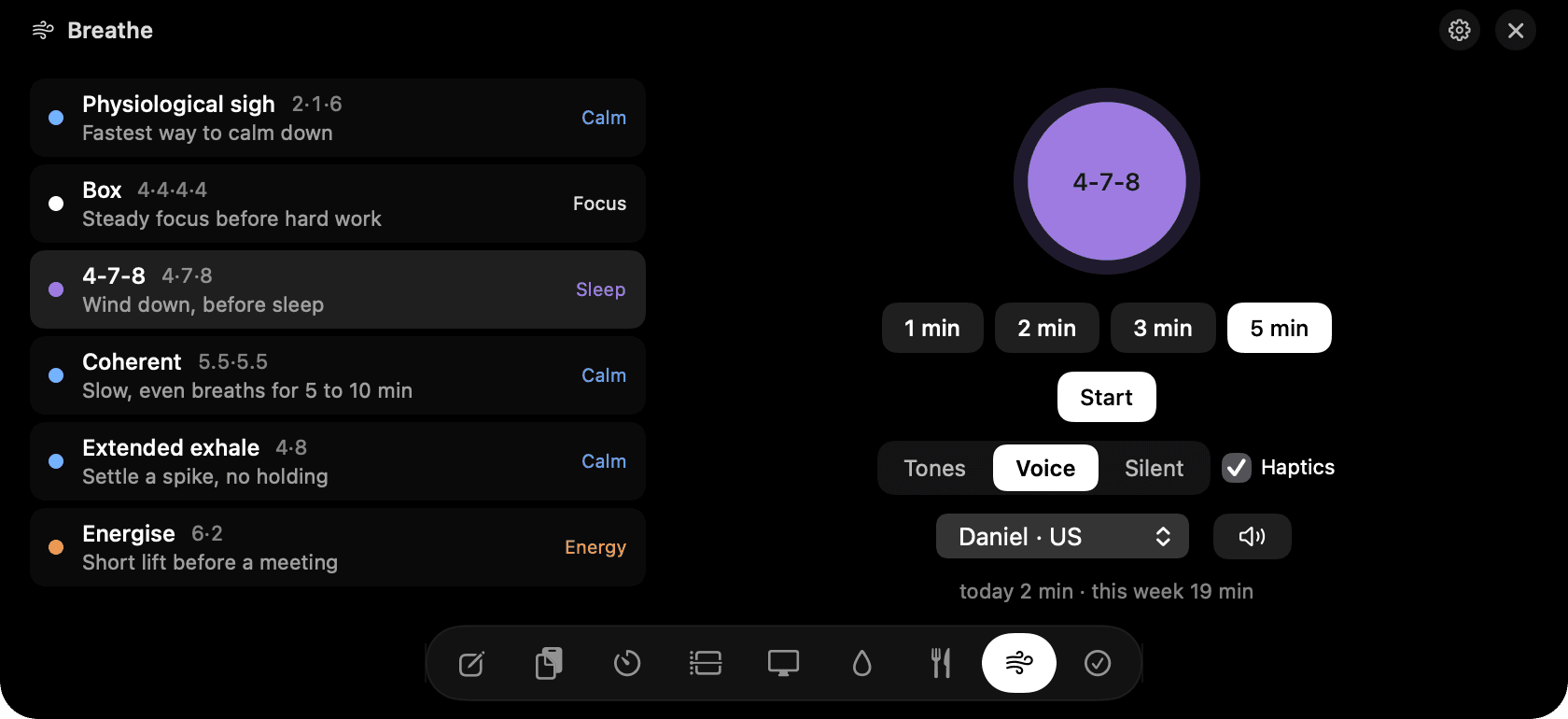
Breathe: six patterns, one circle.
- Physiological sigh is the fastest calm-down; box breathing is for focus.
- Three voices to choose from, or chimes, or silence.
- Reduce motion in Settings swaps the animation for a fade.
Small habits, kept
Habit apps die after two weeks because logging is a chore and the app is somewhere else.
Habits Check-off habits and counted habits like eight glasses, each on the days you choose. Streaks skip days you didn't schedule. A six-month heatmap sits beside the list so you can see the shape of a month at a glance.
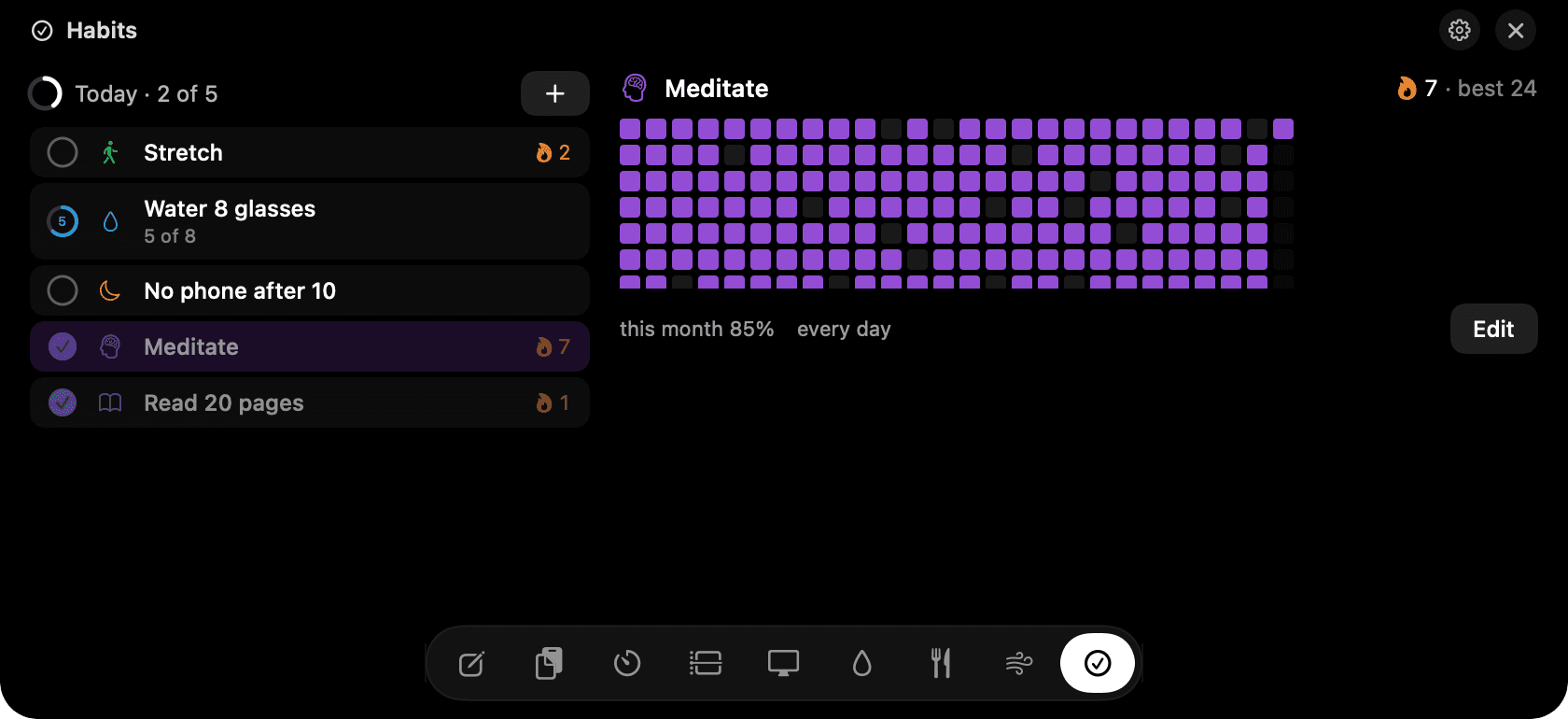
Habits: today's list and the heatmap.
- Right-click to mark yesterday or skip today.
- The small circle marks; clicking the row shows history.
- Reminders are per habit and only fire if it isn't done.
Settings
Click the menu bar icon and choose Settings. Turn hover-to-open off for click-only, set the open and close delays, reduce animation, launch at login, and see or deactivate your license.