A scratchpad in your Mac's notch
One text box. Hover, type, move away. It's still there tomorrow.
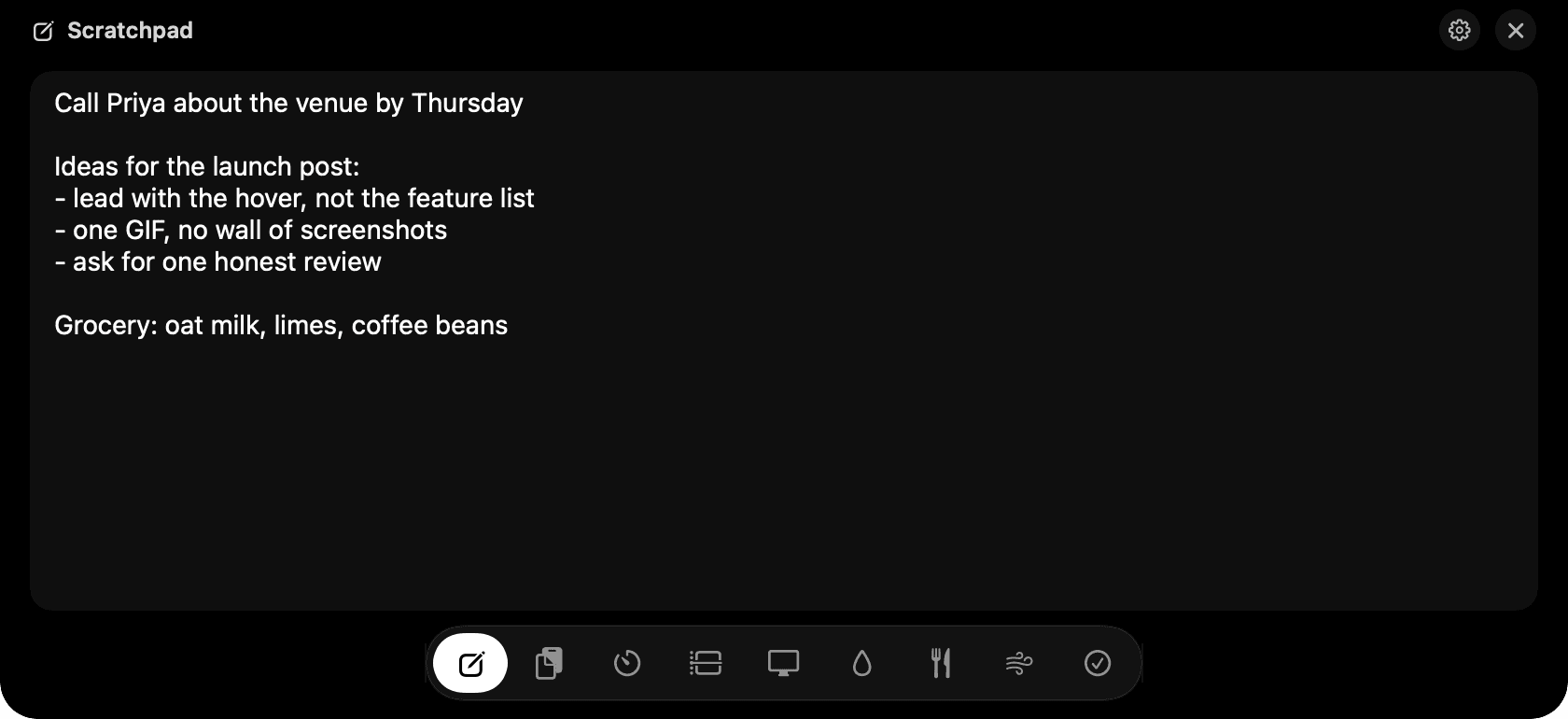
Scratchpad in the notch: type, close, and it's still there.
The problem
You need somewhere to put a phone number, a thought, a line from a call. Notes.app is three clicks away, and by tonight you'll have forgotten which note you put it in.
How Scratchpad works
Hover the notch, pick the pencil in the dock and type. There is nothing to create, name or save. The text is written to disk a third of a second after you stop typing, so quitting the app or restarting the Mac never loses a word.
It's the same box everywhere. Switch desktops, go fullscreen in a video call, come back tomorrow: the note is exactly as you left it.
Standard editing works inside the notch: Cmd-A, Cmd-Z, Cmd-C, Cmd-V and Cmd-X, without pulling you out of the app you were in.
Tips
- Press Escape to close the notch while typing.
- There's one scratchpad on purpose. For anything longer than a screen, use Notes.
Questions
- Can I have more than one scratchpad?
- No, and that's deliberate. Scratchpad is for the thing you need in the next five minutes. Once a note needs a title, it belongs in Notes or Obsidian.
- Where is the text stored?
- In a SQLite database in your Application Support folder. Nothing is uploaded anywhere, and there is no account.
- Does it support Markdown or formatting?
- No. Plain text only, so whatever you paste in goes in clean and copies out clean.
Goes well with
Scratchpad is one of nine tools in NotchMan.
One-time purchase, everything stays on your Mac, macOS 14 or later.
Updated 2026-09-21