Two minutes to reset
Six patterns, one circle, a voice or a chime.
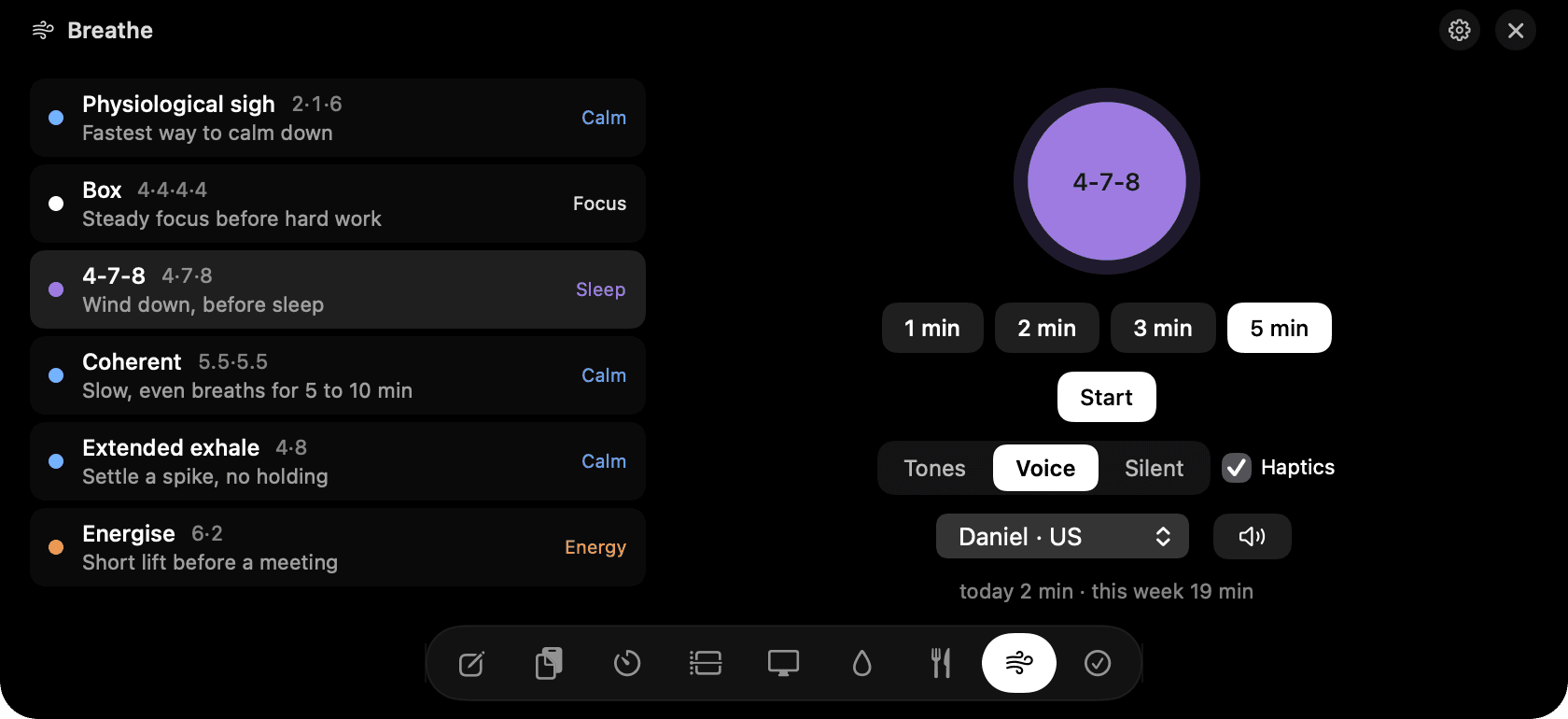
Breathe in the notch: six patterns, one circle.
The problem
You're wound up and the next meeting starts in five minutes. Opening a meditation app, logging in and picking a session takes most of that.
How Breathe works
Pick a pattern: Physiological sigh for the fastest calm-down, Box for steady focus, 4-7-8 to wind down, Coherent for slow even breaths, Extended exhale to settle a spike, or Energise for a short lift. Pick a length and press Start.
The circle grows on breathe in, holds, and shrinks on breathe out. At each change you hear a chime or a recorded voice, and feel a tap on the trackpad. The notch stays open until the session ends, so nothing closes on you mid-breath.
Space pauses, Escape ends. Three voices are bundled with the app, so it works offline and nothing is generated or streamed.
Tips
- The physiological sigh is two inhales and a long exhale. Three rounds is enough.
- Reduce motion in Settings swaps the animation for a fade.
Questions
- Which pattern should I use?
- Sigh or Extended exhale when you're stressed, Box before hard work, 4-7-8 before sleep, Coherent for a longer calm session, Energise before a meeting.
- Are the voices generated live?
- No. They're recorded clips bundled with the app. Nothing leaves your Mac and there's no delay.
- Can I do it silently?
- Yes. Choose silence and follow the circle and the trackpad taps.
Goes well with
Breathe is one of nine tools in NotchMan.
One-time purchase, everything stays on your Mac, macOS 14 or later.
Updated 2026-09-21