Which apps had your attention
Apps, durations and an hourly chart. Nothing to grant.
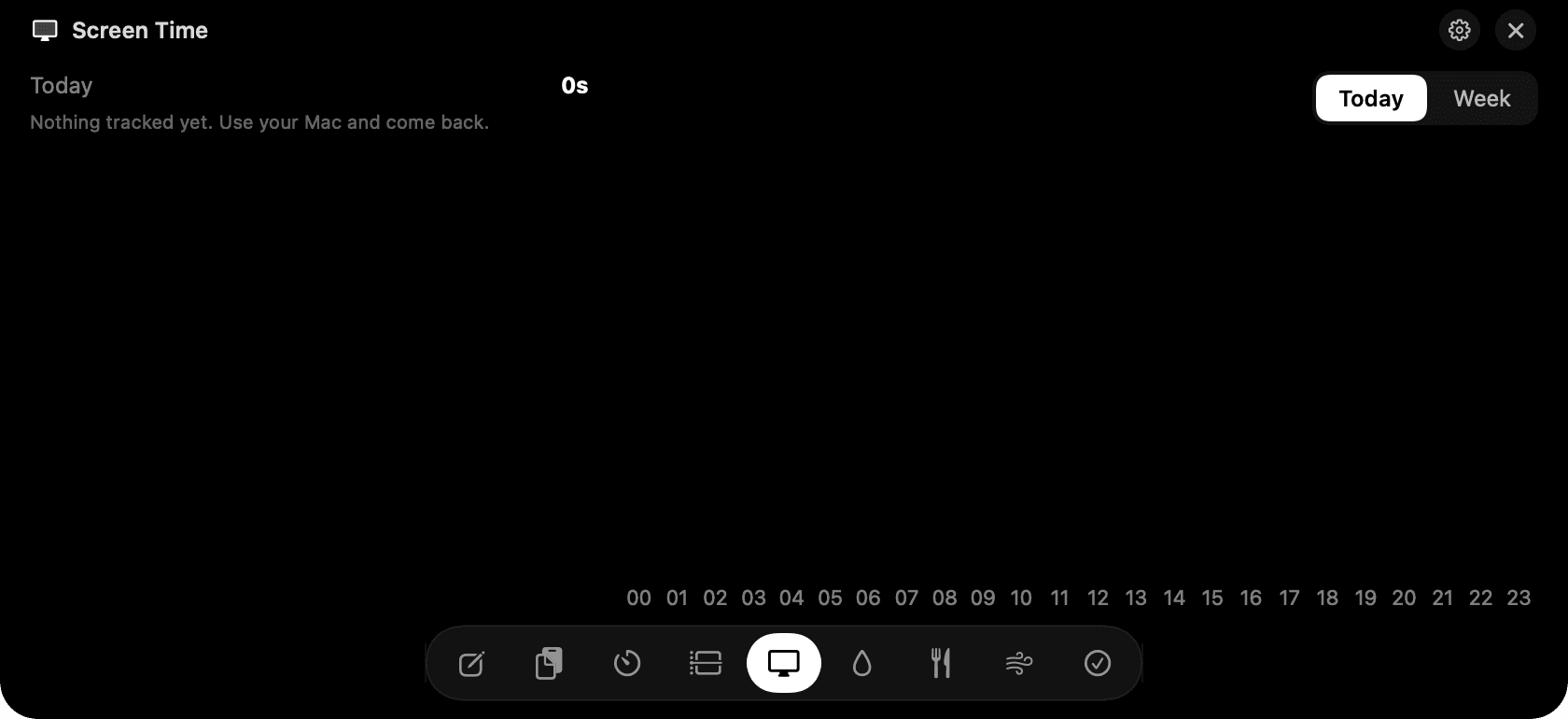
Screen Time in the notch: apps, durations and the hourly chart.
The problem
Apple's Screen Time on the Mac is buried in System Settings and vague about what it counts. Third-party trackers usually ask for Accessibility access before they show you anything.
How Screen Time works
Screen Time watches which app is in front and for how long, and shows it with the app's real icon. Today is broken down hour by hour; the week is daily bars, and you can filter both to a single app.
It needs no permissions because the frontmost app is something macOS tells every app. Nothing inside the app is read: not window titles, not tabs, not content.
Counting stops after three minutes without input, and whenever the Mac sleeps or locks, so a browser left open over lunch doesn't count as two hours of browsing.
Tips
- Time only counts while an app is running in front. Background music apps don't accumulate.
- Browser tabs aren't tracked, just the browser.
Questions
- Why doesn't it ask for any permission?
- The name of the frontmost app is public information on macOS. NotchMan only needs that, so it never asks for Accessibility or Screen Recording.
- Can I exclude an app?
- Not yet. Everything in front gets counted; use the filter to look at one app at a time.
- Why do my numbers differ from Apple's Screen Time?
- Apple counts differently across devices and includes background categories. NotchMan counts only foreground time on this Mac, while you're active.
Goes well with
Screen Time is one of nine tools in NotchMan.
One-time purchase, everything stays on your Mac, macOS 14 or later.
Updated 2026-09-21